1
iBurst Terminal Desktop Type(UTD) Manual
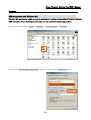
Connection Establishment for Windows 2000/Me/98SE
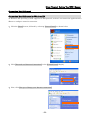
For Windows 2000、Windows Me and Windows 98SE,a connection application for iBurst is used.
1
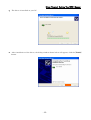
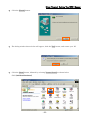
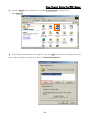
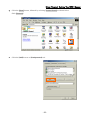
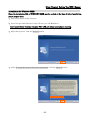
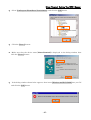
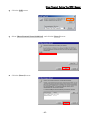
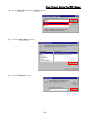
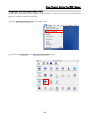
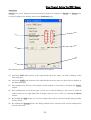
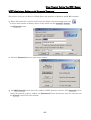
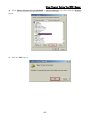
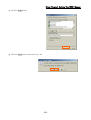
Double click the shortcut on the computer's desktop which was created by iBurst connection
application.
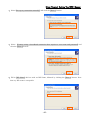
2
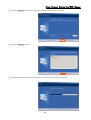
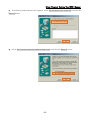
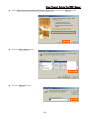
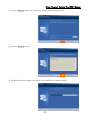
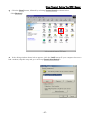
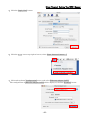
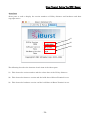
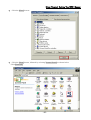
Enter user name and password and click the [Connect] button.
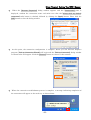
3
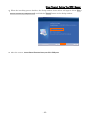
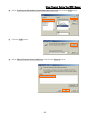
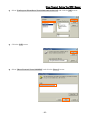
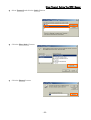
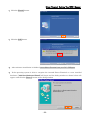
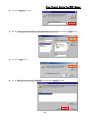
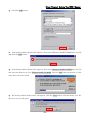
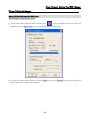
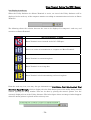
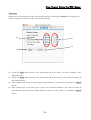
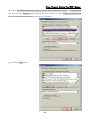
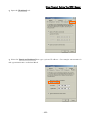
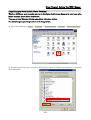
While connecting to network, the following connection status window is displayed.
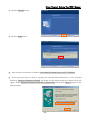
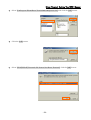
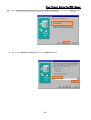
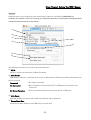
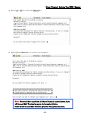
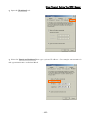
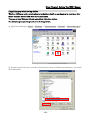
Note : On Windows 98SE, if a wrong user name or password is entered, User Logon window
shown below may appear. In this case, please enter user name and password again, and then click
the OK button.
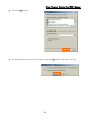
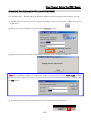
4
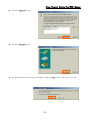
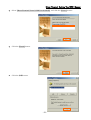
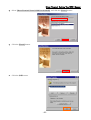
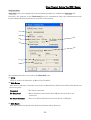
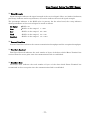
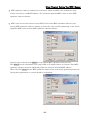
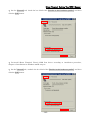
If connection is successful, connection icon will be displayed at the task tray.
- 63 -