1
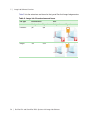
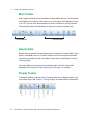
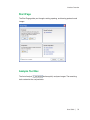
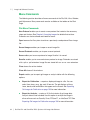
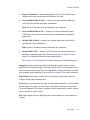
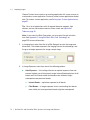
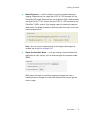
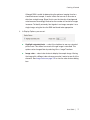
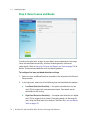
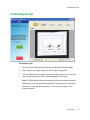
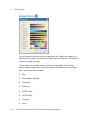
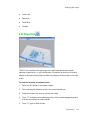
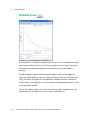
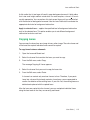
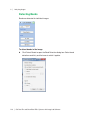
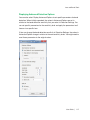
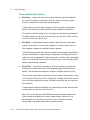
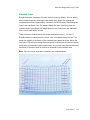
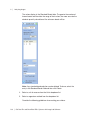
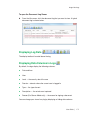
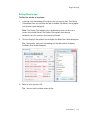
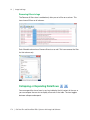
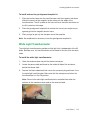
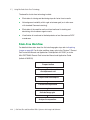
Displaying Gel Images False color Spectrum Gold-Silver Pseudo 3-D Projection The 3-D view transforms the gel image into a solid three-dimensional model spinning in space with x, y, and z dimensions. Accentuate or diminish the relative heights of data points by pulling the slider at the bottom of the window to the right or left. To view the intensity of various bands 1. Select the 3-D button in the display toolbar. 2. Click and drag the model to rotate it into your preferred view. 3. Bring the window into focus by clicking the image. 4. Press “C” to display an inverted green cone, which can be dragged around to evaluate the intensity of various bands. 5. Press “C” again to hide the tool. User Guide | 103