1
5
checkpoint Commands
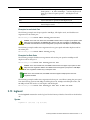
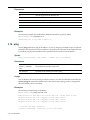
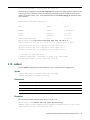
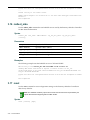
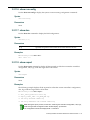
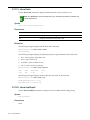
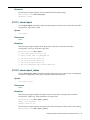
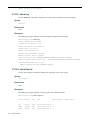
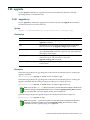
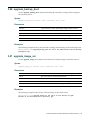
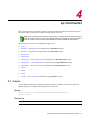
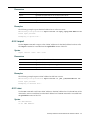
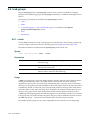
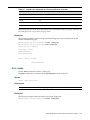
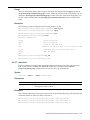
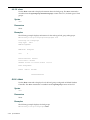
The Enterasys Wireless Controller forwards specified event messages to an ELA server using Check Point software’s OPSEC ELA protocol. The server tracks and analyzes these event messages and forwards suspicious information to a firewall application. This section describes commands which enable and configure Check Point event logging options for the Enterasys Wireless Controller. These commands are located in the checkpoint context of the CLI. Note: All CLI commands cache changes. For this reason, sometimes when you make a change in a
particular context, the change may not be visible immediately. If this happens, you must exit and reenter the context in order to ensure that the database is synchronized with the latest change.
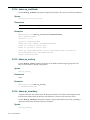
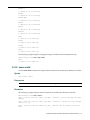
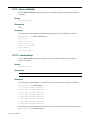
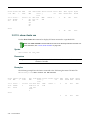
The following commands are available in the checkpoint context: •
cpip
•
cplog
•
cpcert
•
elalogint
•
elaport
•
elaq
•
elaretry
•
sicname
•
sicpwd
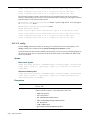
5.1 cpip
Use the cpip command to set the IP address of the ELA Management Station.
Suspicious messages tracked by the ELA server are sent to the firewall of the ELA Management Station.
Note: You must enable checkpoint logging before this command will become visible in the CLI. For
more information, see “cplog” on page 5-2.
Syntax
cpip <IP Address>
Enterasys Wireless Controller Software CLI Reference Guide
5-1