1
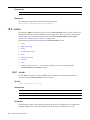
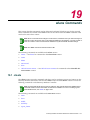
21.4 <named-topology>
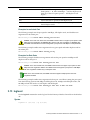
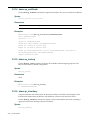
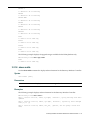
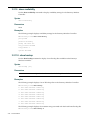
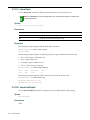
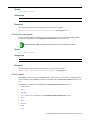
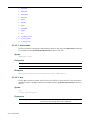
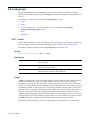
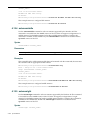
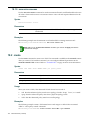
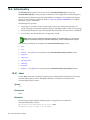
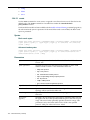
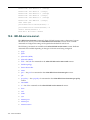
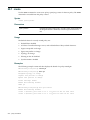
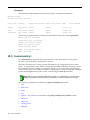
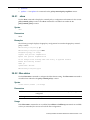
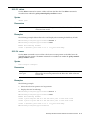
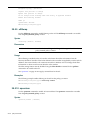
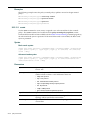
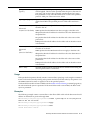
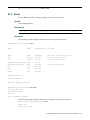
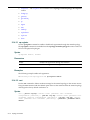
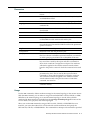
The <named‐topology> command, where <named‐topology> refers to the name of a given topology, moves you into the topology:<named‐topology> context, which contains commands to configure the settings of the specified individual topology.
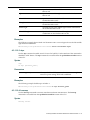
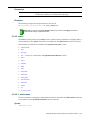
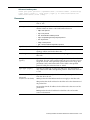
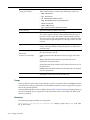
The following commands are available in the topology:<named‐topology> context.
•
3rd‐party
•
l2 — See l2 for commands in the topology:<named‐topology>:l2 context.
•
l3 — See l3 for commands in the topology:<named‐topology>:l3 context.
•
l3presence
•
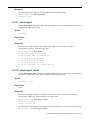
mode
•
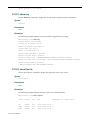
name
•
show
•
strict‐subnet
•
sync
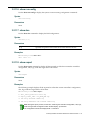
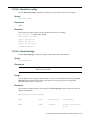
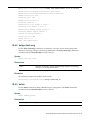
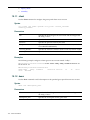
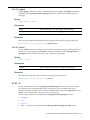
21.4.1 3rd-party
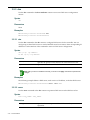
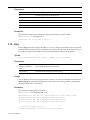
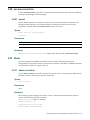
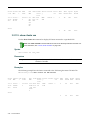
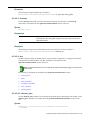
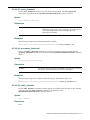
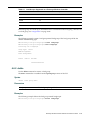
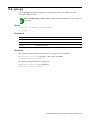
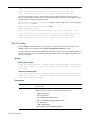
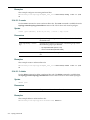
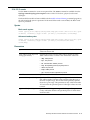
Use the 3rd‐party command to enable or disable a third‐party port in a physical topology. The 3rd‐
party command is available from the topology:<named‐topology> context of the CLI for physical topologies.
Note: Only one physical topology can have 3rd-party set to enable.
Syntax
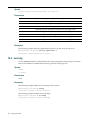
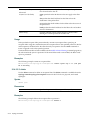
3rd-party enable | disable
Parameters
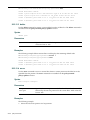
enable
Enables a 3rd‐party port on the specified physical topology.
disable
Disables a 3rd‐party port on the specified physical topology.
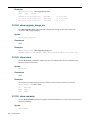
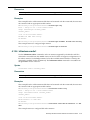
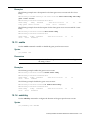
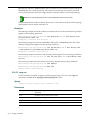
Examples
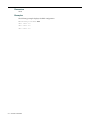
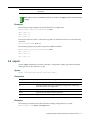
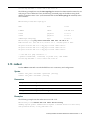
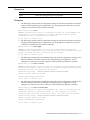
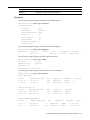
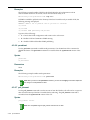
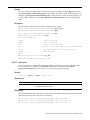
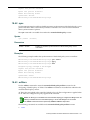
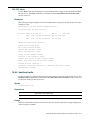
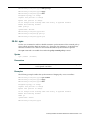
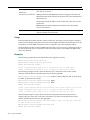
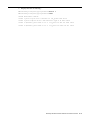
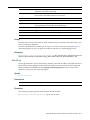
The following example enables a 3rd‐party port on a physical topology.
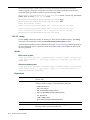
EWC.enterasys.com:topology:esa0# 3rd-party enable
EWC.enterasys.com:topology:esa0# show
Name: esa0
3rd party: enable
21-4
topology Commands