1
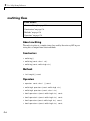
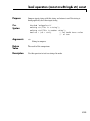
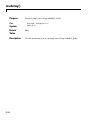
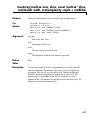
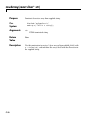
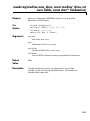
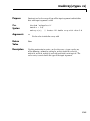
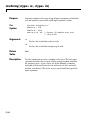
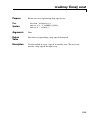
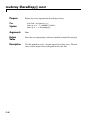
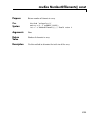
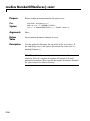
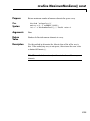
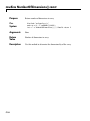
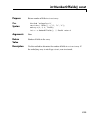
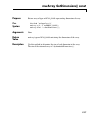
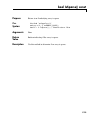
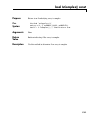
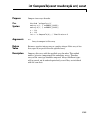
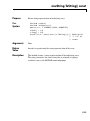
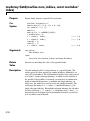
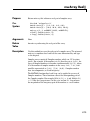
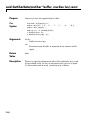
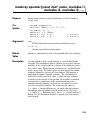
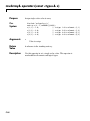
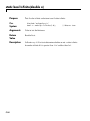
void Set(const mwArray& arr)
Purpose
C++
Syntax
Arguments
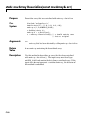
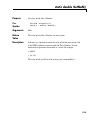
Assign shared copy of input array to currently referenced cell for arrays
of type mxCELL_CLASS and mxSTRUCT_CLASS
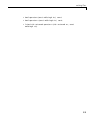
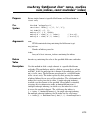
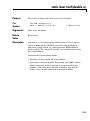
#include "mclcppclass.h"
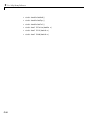
mwArray a(2, 2, mxDOUBLE_CLASS);
mwArray b(2, 2, mxINT16_CLASS);
mwArray c(1, 2, mxCELL_CLASS);
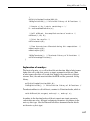
c.Get(1,1).Set(a);
c.Get(1,2).Set(b);
// Sets c(1) = a
// Sets c(2) = b
arr
mwArray to assign to currently referenced cell
Return
Value
None
Description
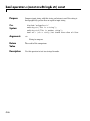
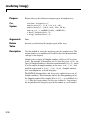
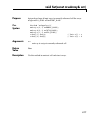
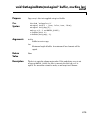
Use this method to construct cell and struct arrays.
C-77