1
Listing and Managing Server Hardware
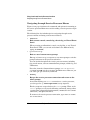
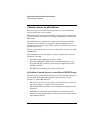
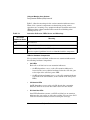
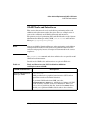
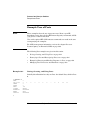
Tools for Listing and Managing Hardware
•
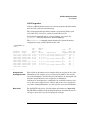
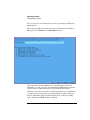
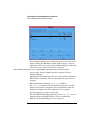
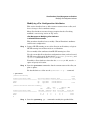
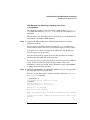
Partition Manager ( /opt/parmgr/bin/parmgr)
Partition Manager provides a graphical interface for managing and
monitoring nPartitions and hardware within a server complex.
Hardware management features include menus and windows that
list details about cells, I/O chassis, and PCI I/O card slots in the
server complex.
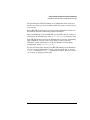
•
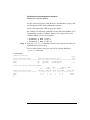
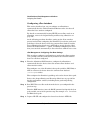
System Administration Manager (SAM, /usr/sbin/sam)
The SAM graphical interface (GUI) provides an alternate way to
launch Partition Manager as a SAM area.
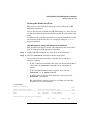
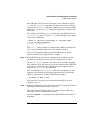
SAM also provides a Peripheral Devices area, which has a Cards
subarea that is the recommended method for managing PCI I/O
cards and PCI slots.
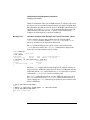
The Peripheral Devices —> Cards area includes error checking and
resource analysis not available from the HP-UX command line.
HP System Partitions Guide: Administration for nPartitions, rev 5.1
309