1
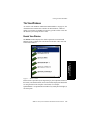
Trunk Configuration
7. Trunk
Configuration
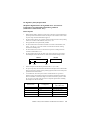
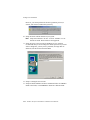
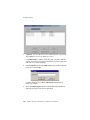
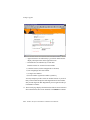
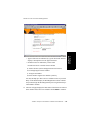
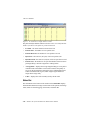
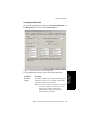
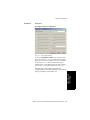
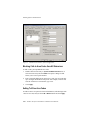
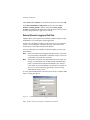
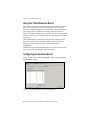
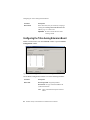
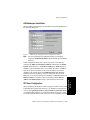
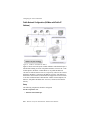
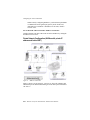
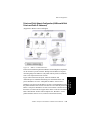
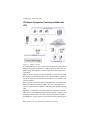
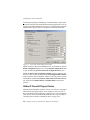
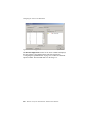
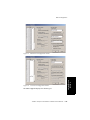
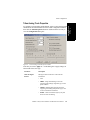
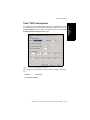
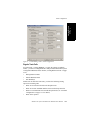
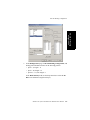
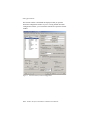
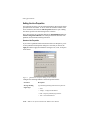
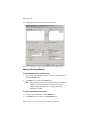
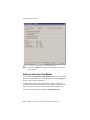
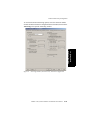
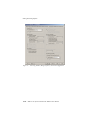
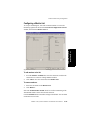
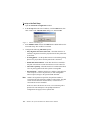
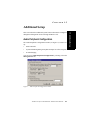
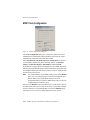
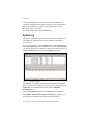
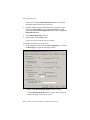
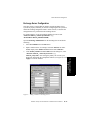
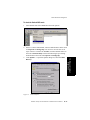
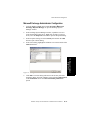
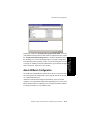
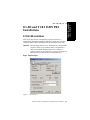
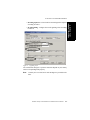
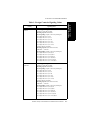
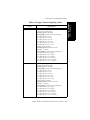
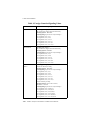
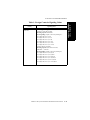
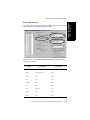
Figure 9.
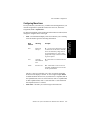
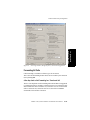
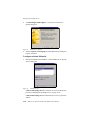
In Call Routing window, Trunk Configuration
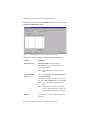
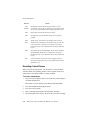
Regular Trunk Calls
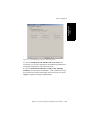
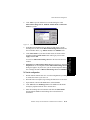
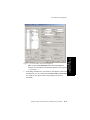
For each trunk—or using Apply to… to apply the settings to multiple
trunks—you can set routing for the three time periods defined in the System
Configuration Business Hours window (“Setting Business Hours” on page
5-10):
•
During Business Hours
•
Outside Business Hours
•
Non Workdays
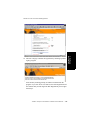
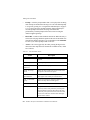
Within each of these three time slots, you have the following routing
options for incoming calls:
•
Route to an extension selected in the drop-down list
•
Route to an Auto Attendant number selected in the drop-down list
•
Route to a Line Park line selected in the drop-down list (see “Line Park
Configuration” on page 13-1 for details).
•
Route to the operator
AltiWare OE System Installation & Administration Manual
7-21