1
Extension and Group Configuration
10. Extension &
Group Configuration
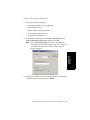
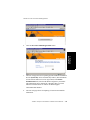
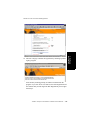
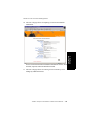
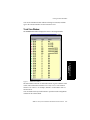
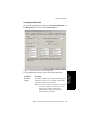
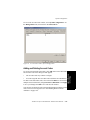
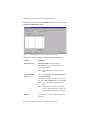
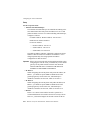
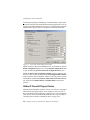
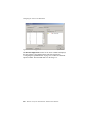
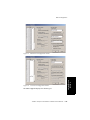
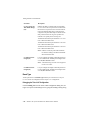
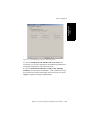
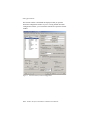
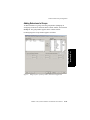
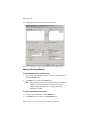
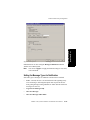
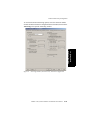
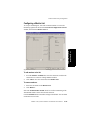
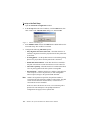
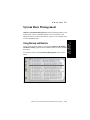
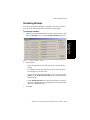
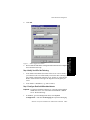
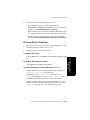
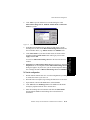
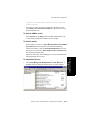
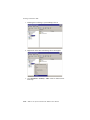
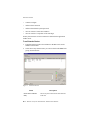
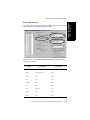
Figure 18.
Answering Window (Workgroup View), Extension Configuration
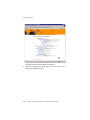
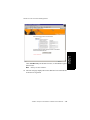
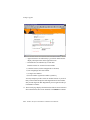
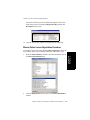
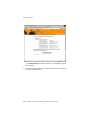
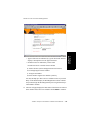
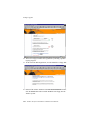
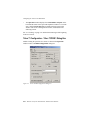
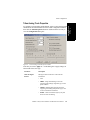
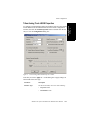
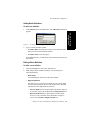
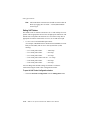
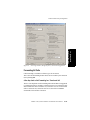
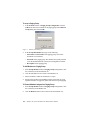
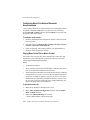
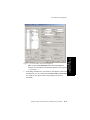
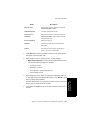
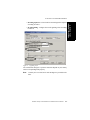
Forwarding All Calls
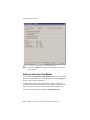
Call Forwarding is available to all three types of extensions.
This is the Call Forwarding feature that is also accessible by the extension
user by dialing #36.
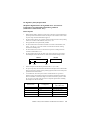
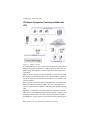
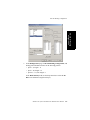
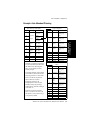
A One Hop Limit to Call Forwarding for a Transferred Call
There is a one hop limit to call forwarding when the call that is being passed
is a transferred call. For example, extension 100 receives a transferred call
and forwards this call to extension 101; extension 101 is set to forward all
calls to extension 102; extension 102 receives the call but CANNOT
forward this call to another extension.
AltiWare OE System Installation & Administration Manual
10-43