1
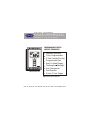
Display
1
2
1
10
:
12:00
SMTWTFS
7
88
Am ProgramOn Setup
Locked
Pm
88
AUTO
OFFNight
6
Morning Day
Evening
8
Fan On
o
COOL
88
HEAT o
4
1
1
4
3
1
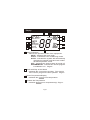
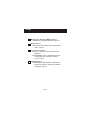
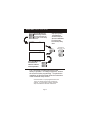
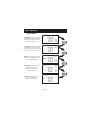
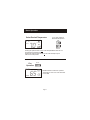
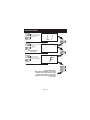
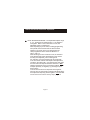
Mode Indicators
Selects the operation mode of the equipment.
HEAT - indicates the heat mode.
COOL - indicates the air conditioning mode.
AUTO - indicates the system will automatically
changeover between heat and cool modes
as the temperature varies.
OFF - indicates the entire system is turned off.
PROGRAM ON - indicates the stored program
is enabled to run. Page 6.
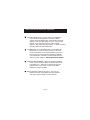
2
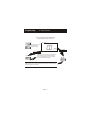
Clock with Day of the Week
Indicates the current time and day. This clock is
also used to program the timer periods. Page 5.
3
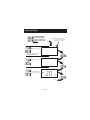
Room Temperature Display
Indicates the current room temperature.
4
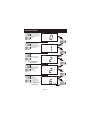
Desired Set Temperature
Indicates desired room temperature(s). Page 7.
Page 3