1
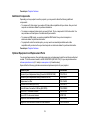
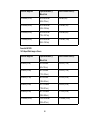
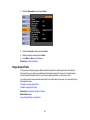
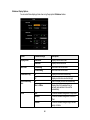
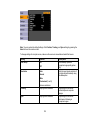
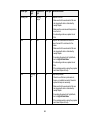
Setting
Options
Description
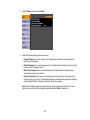
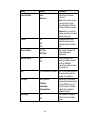
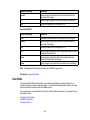
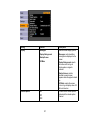
Display
Messages
Selects various display options
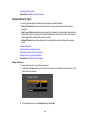
Display Background
Messages: controls whether
messages are displayed on the
screen
Startup Screen
A/V Mute
Display Background: selects
the screen color or logo to
display when no signal is
received
Startup Screen: controls
whether a special screen
appears when the projector starts
up
A/V Mute: selects the screen
color or logo to display when A/V
Mute is turned on
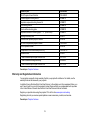
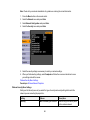
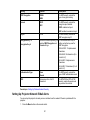
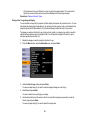
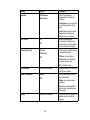
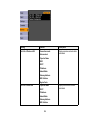
Closed Caption
Off
Controls use of closed captions
and selects the closed caption
channel
CC1
CC2
117