1
Selecting an Input
Bin
Selecting an Input Bin
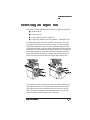
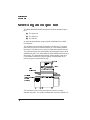
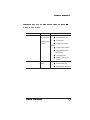
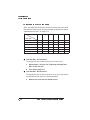
Your printer has two standard input bins and two optional input bins:
■
Upper input bin
■
Lower input bin
■
Large-capacity input bin (optional)
■
Large-large-capacity input bin (optional — 3825/3225 only)
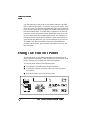
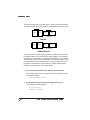
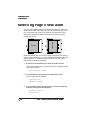
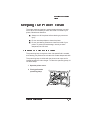
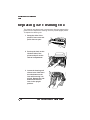
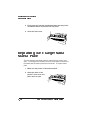
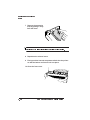
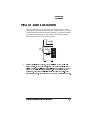
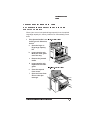
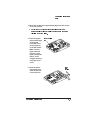
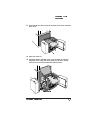
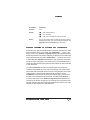
The illustration below shows the locations of these bins. The input
bins support several types and sizes of media. The optional largecapacity bin expands the printer’s paper capacity to approximately
1,500 sheets of letter or A4 size paper (500 sheets for the upper and
lower bins, and 1,000 sheets for the large-capacity bin).The optional
large-large-capacity bin increases the printer’s capacity to approximately 3,000 sheets of paper up to ledger size (500 sheets for the
upper and lower bins and 2,500 for the large-large capacity bin).
Upper
Upper
Lower
Lower
Large-LargeCapacity
LargeCapacity
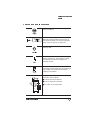
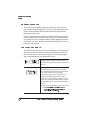
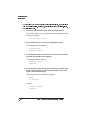
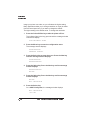
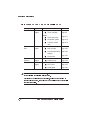
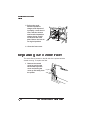
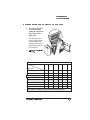
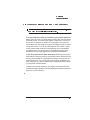
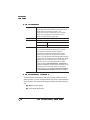
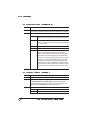
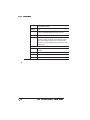
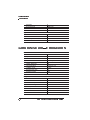
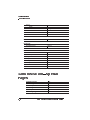
The indicators on the control panel printer icon light to show the currently selected input bin. The system administrator can use the following procedure to select a default input bin through the control
panel.The printer uses paper from the default input bin if your file
does not specify a different paper size or input bin.
Daily Operation
2 -11