1
Media Types
and Weights
n
Use the PostScript translate and scale operators to reduce
image size and change its placement on the page.
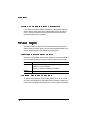
Setting Page Margins
Margins are set through your application. Some applications allow
you to set custom page sizes and margins while others allow only
standard page sizes and margins. If you choose a standard format,
you may lose part of your image due to imageable area constraints. If
you can custom-size your page, use exactly those sizes given for the
imageable area.
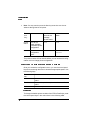
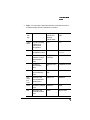
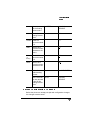
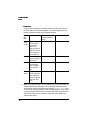
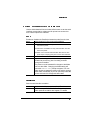
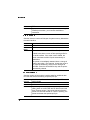
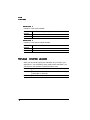
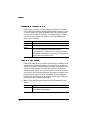
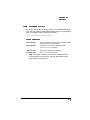
Media Types and Weights
Paper Type
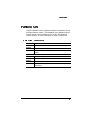
The printer supports plain paper, recycled paper, letterhead/memo,
thick paper, and postcard. Use only paper recommended for laser
printers, such as Hammermill Laser Print.
»
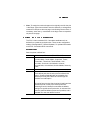
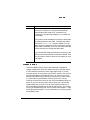
Note: We do not recommend printing on perforated or 3-hole
punched paper.
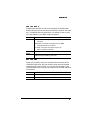
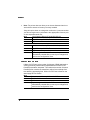
Paper Weight
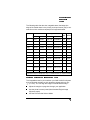
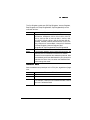
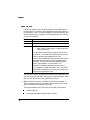
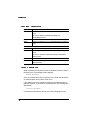
The printer supports plain paper, 16-24 lb (64-90 g/m2), in cassettes
and thick paper, 24-42 lb (90-157 g/m2), in the manual feed tray.
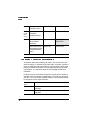
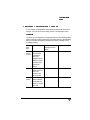
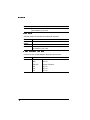
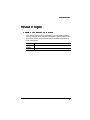
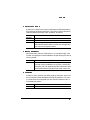
Envelope Type
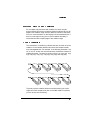
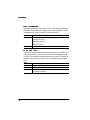
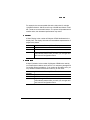
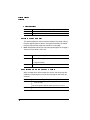
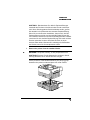
The printer supports the following envelopes: Commercial 9, Commercial 10, Monarch, International DL, International C5, and custom
envelopes in the multipurpose tray or in an optional envelope cassette.
2-4
QMS 1060 Print System Reference