1
CHAPTER 10 MAINTENANCE AND SERVICING
2. Handling the Cartridge
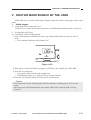
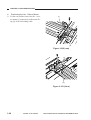
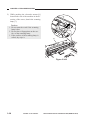
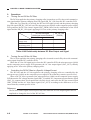
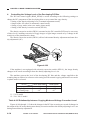
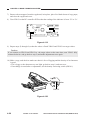
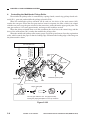
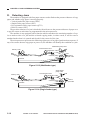
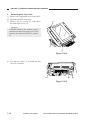
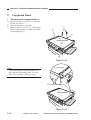
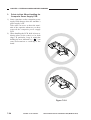
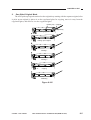
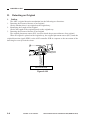
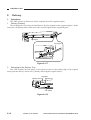
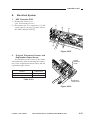
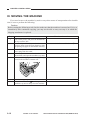
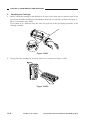
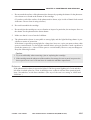
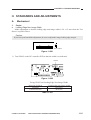
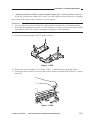
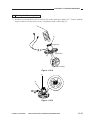
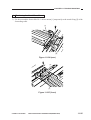
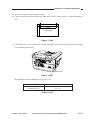
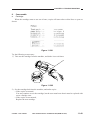
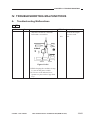
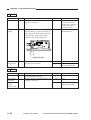
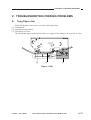
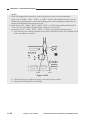
a. Before setting the cartridge in the machine or if copies have white spots as when it starts to run
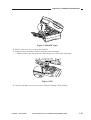
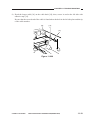
out of toner, hold the cartridge level and shake it about 90° several times as shown in Figure 10401 to even out the toner inside.
If you shake it in a different way, the toner can spill out of the developing assembly or the
cleaning assembly.
Figure 10-401
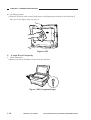
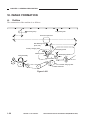
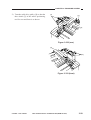
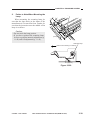
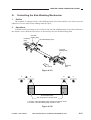
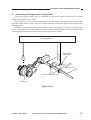
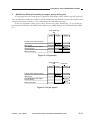
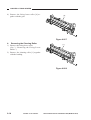
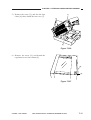
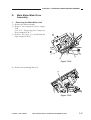
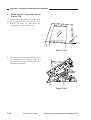
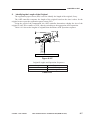
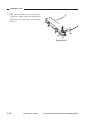
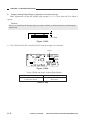
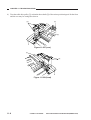
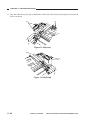
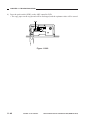
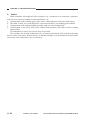
b. Do not place the cartridge on its end or turn it over as shown in Figure 10-402.
Figure 10-402
10-4
COPYRIGHT © 1999 CANON INC.
CANON PC800s/900s REV.0 AUG. 1999 PRINTED IN JAPAN (IMPRIME AU JAPON)