1
Installation for Linux
3
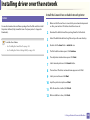
Installing the Printer Settings Utility
1
Make sure that the machine is connected to your computer and
powered on.
2
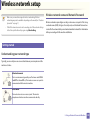
When the Administrator Login window appears, type “root” in the
Login field and enter the system password.
You must log in as a super user (root) to install the machine software. If you
are not a super user, ask your system administrator.
3
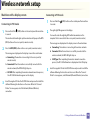
From the Dell website, download the Printer Settings Utility package to
your computer.
4
Right-click the Printer Settings Utility package and extract the
package.
5
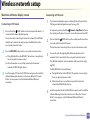
Double click cdroot > Linux > psu > install.sh.
1. Software Installation
134