1
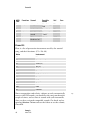
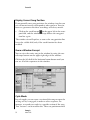
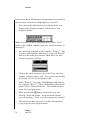
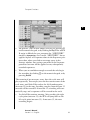
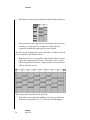
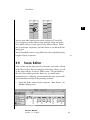
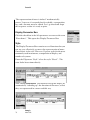
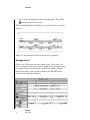
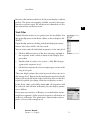
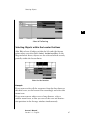
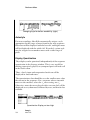
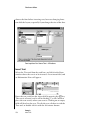
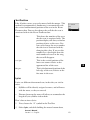
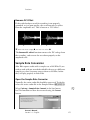
Arrange Window Velocity With the Velocity paramete,r you can increase or decrease the velocity value of selected sequences. The value range goes from -99 to +99. Please note that you cannot go above or below the possible values of 0-127, as defined in Midi. If, for example, the notes in a sequence have velocity values between 100 and 120, then the setting +60 will only have the effect of raising everything to the possible maximum of 127. If no sequence is selected, Velocity will influence the -Midi THRUsetting. Delay With the Delay parameter, you can move selected sequences by small increments, forward or backward in time. The measuring units here are clock ticks, which represent a 3840th fraction of a measure in Adat Edit. If you set a negative value, the affected sequence will be moved ahead, a positive value will cause the sequence to play later. You can use the Delay parameter to correct the timing of sounds that have a slow attack, such as string sounds. A negative delay will move the sequence forward, so that the peak of the sound occurs at the correct position. It is recommended you avoid larger values for delay. Remember that the sequences can also be directly moved in smaller increments (ex. sixteenth). Normalizing Sequence Parameters The sequence parameters are real time filters that are used during the playback of Midi events. Since the settings have no effect on the underlying data, the audible changes from the sequence parameters are not shown in the Event editor. That’s why it’s possible for a note to be shown as C3, but sound like D3, if the sequence was transposed a whole tone higher with the Sequence Parameter Transpose. 152 Emagic Adat Edit Tip