1
Calling Features
Join Calls into Conference
The conference begins.
Join Calls into Conference
The conference is established on the line that had the active call.
Procedure
Step 1
Step 2
Step 3
Step 4
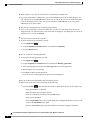
Start with two connected calls.
Make sure that one of the calls is active (not on hold). If both calls are on hold, resume one call.
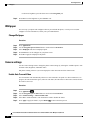
Press Conference
.
Press the line button for the other (held) call or if the held call is on another line:
a) Press Active Calls.
b) Choose a call from the list.
c) Press Conference.
The conference begins. The conference is established on the line that had the active call.
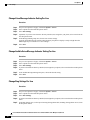
Swap Between Calls Before Completing Conference
Use this procedure to consult privately with the conference and another person, before adding the person into
the conference.
Procedure
Step 1
Step 2
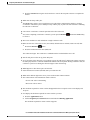
Call a new conference participant, but do not add the participant to the conference.
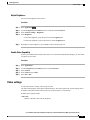
Press Swap to toggle between the participant and the conference.
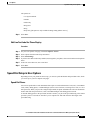
View Conference Participants
You can view the details of the last 16 participants who joined the conference.
Procedure
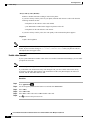
While in a conference, press Show Details to view a list of participants.
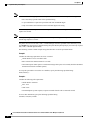
Note
When you place a call to another party, and the person you called creates a conference with a third
phone, the Show Details softkey only displays for the person who created the conference.
Cisco Unified IP Phones 8941 and 8945 User Guide for Cisco Unified Communications Manager 9.0 (SCCP and
SIP)
52