1
User Options
Personal Address Book Setup
Related Topics
Personal Directory, on page 30
Corporate directory
Personal Address Book Setup
You can add, delete, or update personal address book entries from the User Options web page.
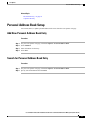
Add New Personal Address Book Entry
Procedure
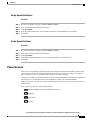
Step 1
Step 2
Step 3
Step 4
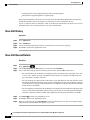
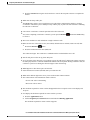
On your User Options web page, select User Options > Personal Address Book.
Select Add New.
Enter information for the entry.
Select Save.
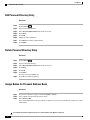
Search for Personal Address Book Entry
Procedure
Step 1
Step 2
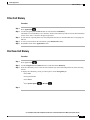
On your User Options web page, select User Options > Personal Address Book.
Specify search information and select Find.
Cisco Unified IP Phones 8941 and 8945 User Guide for Cisco Unified Communications Manager 9.0 (SCCP and SIP)
87