1
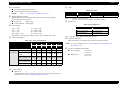
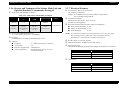
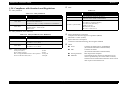
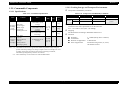
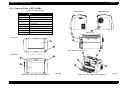
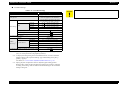
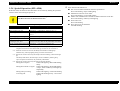
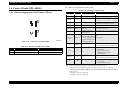
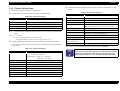
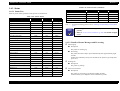
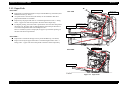
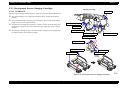
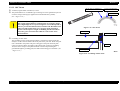
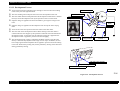
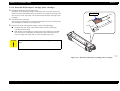
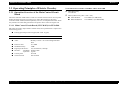
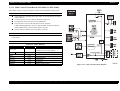
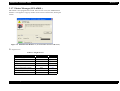
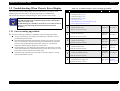
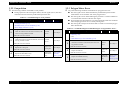
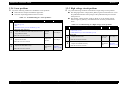
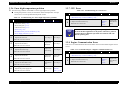
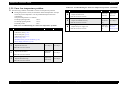
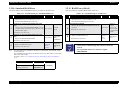
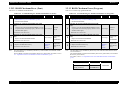
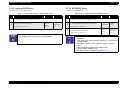
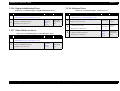
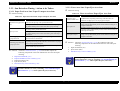
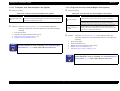
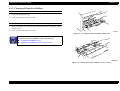
EPSON EPL-6200/EPL-6200L Revision A When you replace the Developer Cartridge (toner cartridge), the pop-up message of the EPSON Status Monitor disappears. (The toner counter reset can be executed even if you do not replace the Developer Cartridge.) Worn Photoconductor Description 1.6.4 Special Operation (EPL-6200L) This section describes the special operation functions of EPL-6200L. C A U T IO N This function, a hidden function, must not be opened to users. Photoconductor life is 5% or less. Remedy Clicking the [Close] button once closes the pop-up display of the EPSON Status Monitor. However, it will be displayed again if the warning is still remain after changing another status. Replace the Photoconductor Unit and reset the counter by printer driver. As a result, the pop-up message of the EPSON Status Monitor disappears. (The Photoconductor reset can be executed even if you do not replace the Photoconductor Unit.) NonGenuineTonerCart Description Installed Developer Cartridge (toner cartridge) is not EPSON genuine. Remedy Open the cover, set the correct Developer Cartridge (toner cartridge) and close the cover again to clear the error. The pop-up display of the EPSON Status Monitor disappears after error recovery. However, it will be displayed again if the warning is still remain after changing another status. Product Description 1.6.4.1 EEPROM Initialization The setting values in the printer are cleared. The following items are initialized: Total Pages Jam Count Genuine Toner Change Toner Life counter (CSIC) Photoreceptor Life counter USB ID Registration position (paper feed direction) Non Genuine Toner Change A D J U S T M E N T R E Q U IR E D Control Panel (EPL-6200L) After EEPROM initialization, input the USB ID and make the registration adjustment. For details, refer to “5.3 Feed Registration Adjustment (p.169)”. 54