1
Administration Tasks
12
Administration Tasks
12.1
Changing the System Date and Time
The HM210dp/di keeps a record of the current date and time, which it uses
to calculate and report various performance data.
You can change the date and time as required. On this page you may also
specify the host name and the domain name in the fields provided.
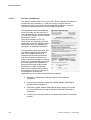
Follow these instructions to change basic system information:
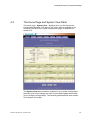
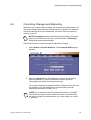
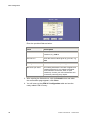
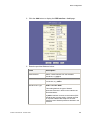
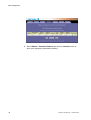
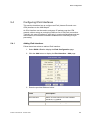
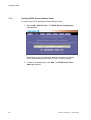
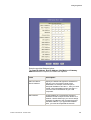
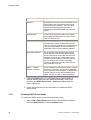
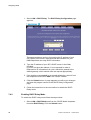
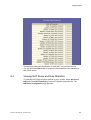
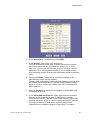
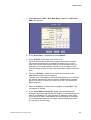
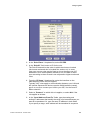
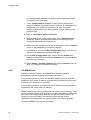
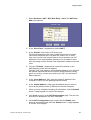
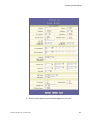
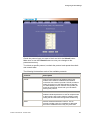
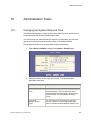
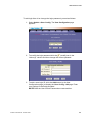
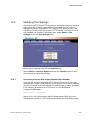
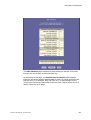
1. Select Home > Modify to display the System – Modify page:
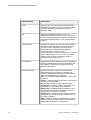
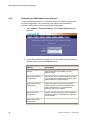
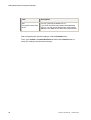
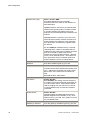
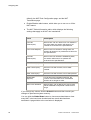
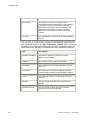
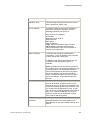
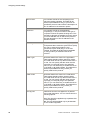
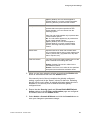
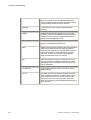
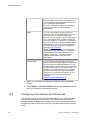
2. Modify the fields on this page as required. The following table
describes each field:
Field
Description
Date:
Time:
These fields initially appear dimmed. To modify
the date and time, click the respective check
boxes and select the appropriate values from the
drop-down lists. The time displays in military
format.
Time Zone:
Daylight Saving
Time:
You can select your time zone from the dropdown list, and then click the appropriate radio
button to indicate whether Daylight Savings Time
EN/LZT 108 6492 R2 - October 2003
93