1
•
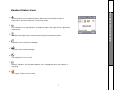
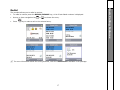
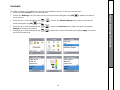
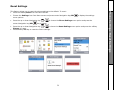
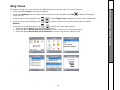
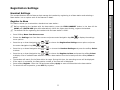
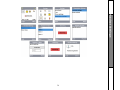
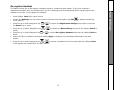
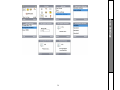
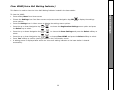
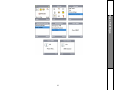
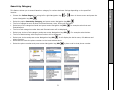
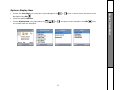
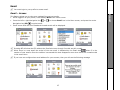
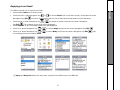
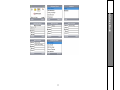
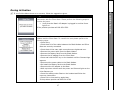
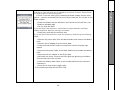
Choose the VoiceMail icon using left or right Navigation Key
Navigation key/SEL/
or
when in Home screen and press center
.
.
•
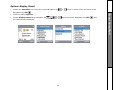
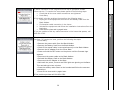
Choose the Voicemail and press center Navigation key/SEL/
•
•
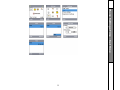
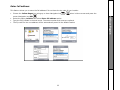
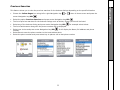
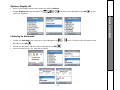
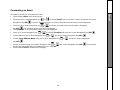
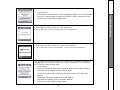
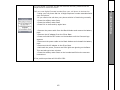
Choose Delete Option using up or down Navigation key
or
and press center Navigation key/SEL/
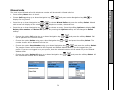
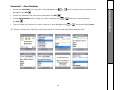
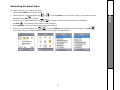
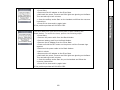
Press the softkey Yes to confirm the Delete. The Selected voicemail is deleted and the details of the next
voicemail will be displayed.
62
.
Visual VoiceMail
Voicemail – Delete