1
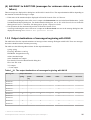
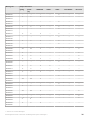
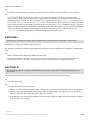
(3) KAVC4001 to KAVC6000 (messages about JP1/AJS3 Console View)
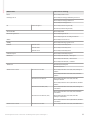
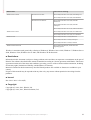
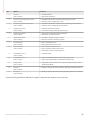
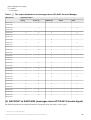
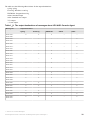
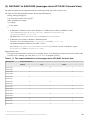
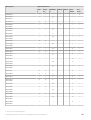
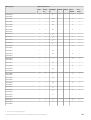
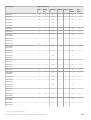
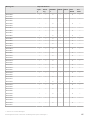
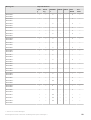
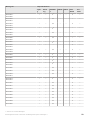
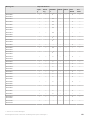
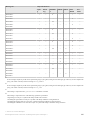
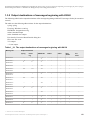
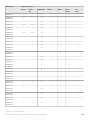
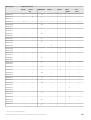
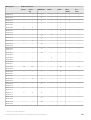
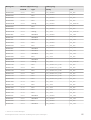
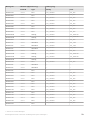
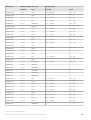
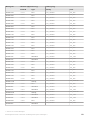
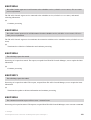
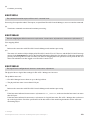
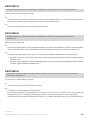
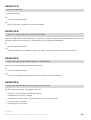
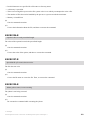
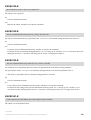
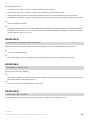
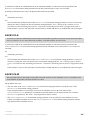
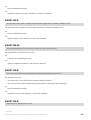
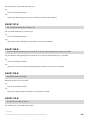
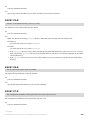
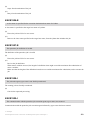
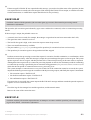
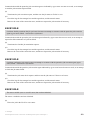
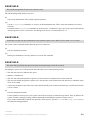
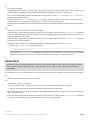
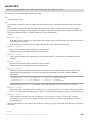
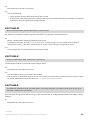
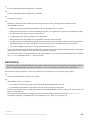
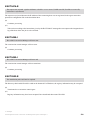
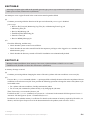
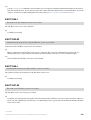
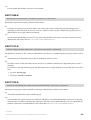
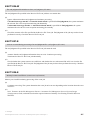
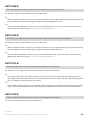
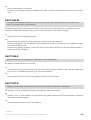
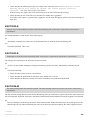
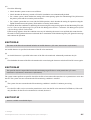
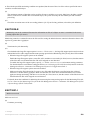
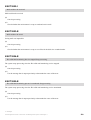
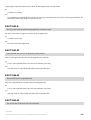
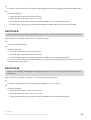
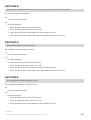
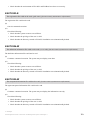
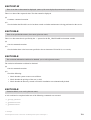
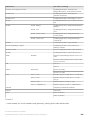
The following table lists the output destinations of messages about JP1/AJS3 Console View.
The table uses the following abbreviations for the output destinations:
Dialog: Message dialog box
Log: JP1/AJS3 Console View log file#
stderr: Standard error output
Y: Is output.
--: Is not output.
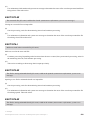
#
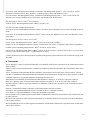
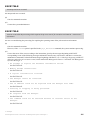
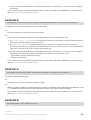
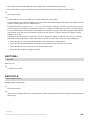
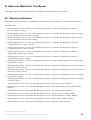
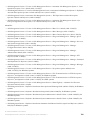
• In Windows 8, Windows Server 2012, Windows 7, Windows Server 2008, or Windows Vista:
%ALLUSERSPROFILE%\Hitachi\JP1\JP1_DEFAULT\JP1AJS2V\log
\ajs2coview#nnnn_{1|2}.log
The default for %ALLUSERSPROFILE% is system-drive\ProgramData.
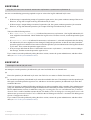
• In Windows Server 2003 or Windows XP Professional:
JP1/AJS3 - View-installation-folder\log\ajs2coview#nnnn_{1|2}.log
The default installation folder for JP1/AJS3 - View is
System Drive\Program Files\HITACHI\JP1AJS2V. For 64-bit versions of Windows, replace
Program Files with Program Files (x86).
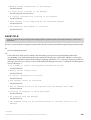
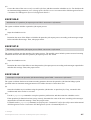
Supplementary note
If a single unit of JP1/AJS3 Console View is running, #nnnn_ is not displayed. If more than one unit of JP1/AJS3
Console View is running, any value from 0001 to 9999 is assigned to #nnnn_.
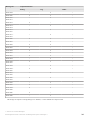
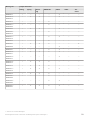
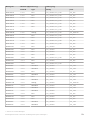
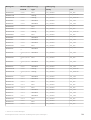
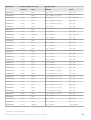
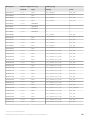
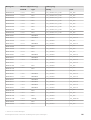
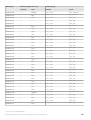
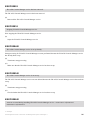
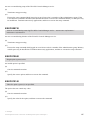
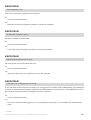
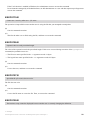
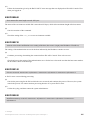
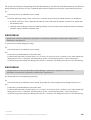
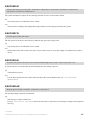
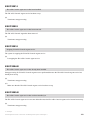
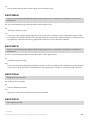
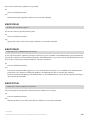
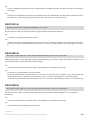
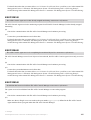
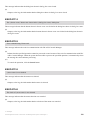
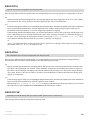
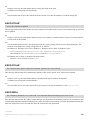
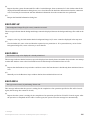
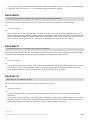
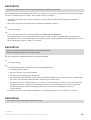
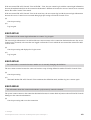
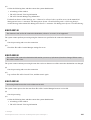
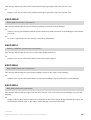
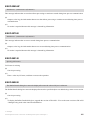
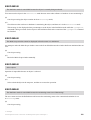
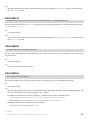
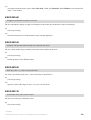
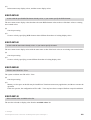
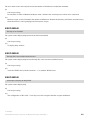
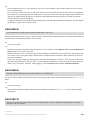
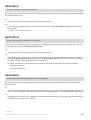
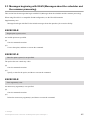
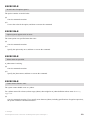
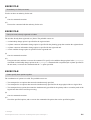
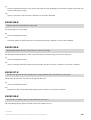
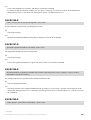
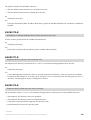
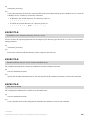
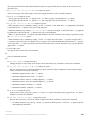
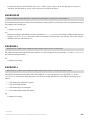
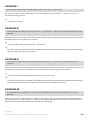
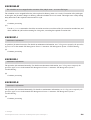
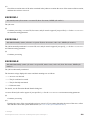
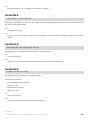
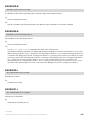
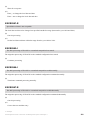
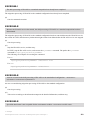
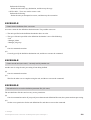
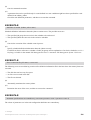
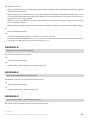
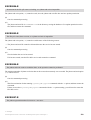
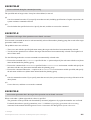
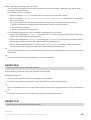
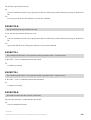
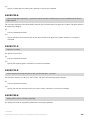
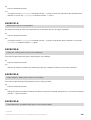
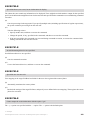
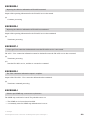
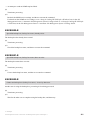
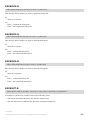
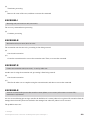
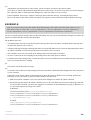
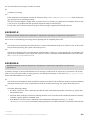
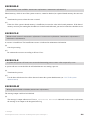
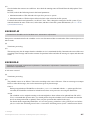
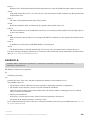
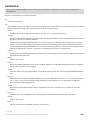
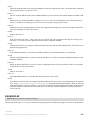
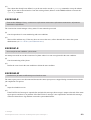
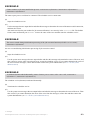
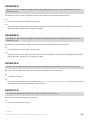
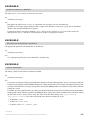
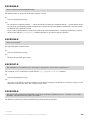
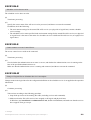
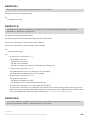
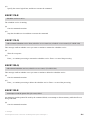
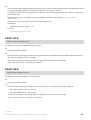
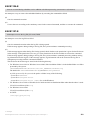
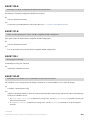
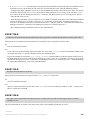
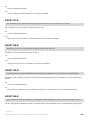
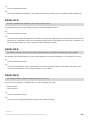
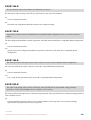
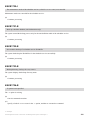
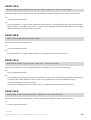
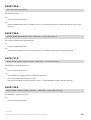
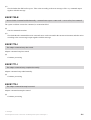
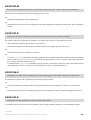
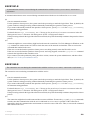
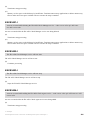
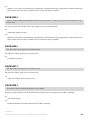
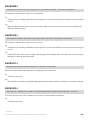
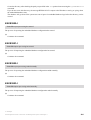
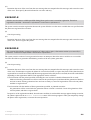
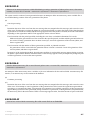
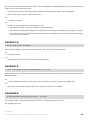
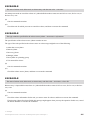
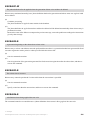
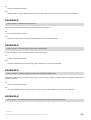
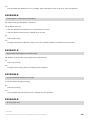
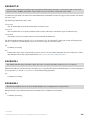
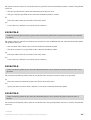
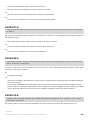
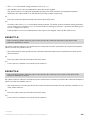
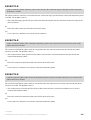
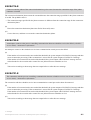
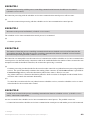
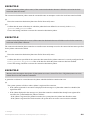
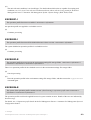
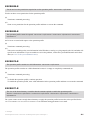
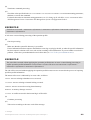
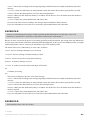
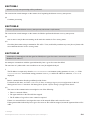
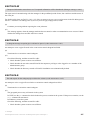
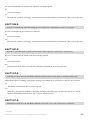
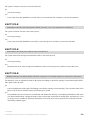
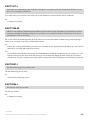
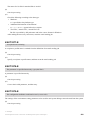
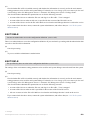
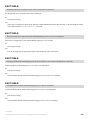
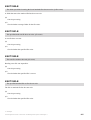
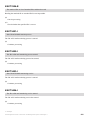
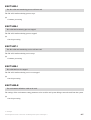
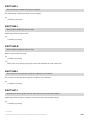
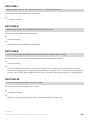
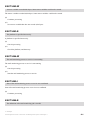
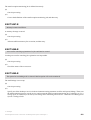
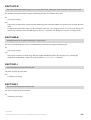
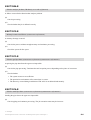
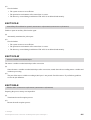
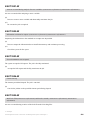
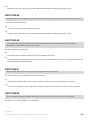
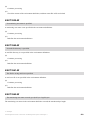
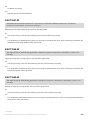
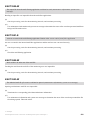
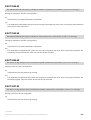
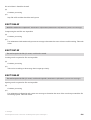
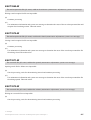
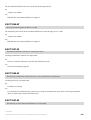
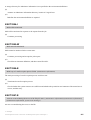
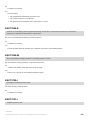
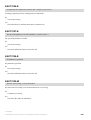
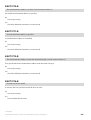
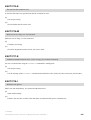
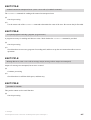
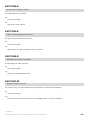
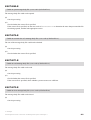
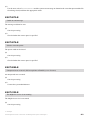
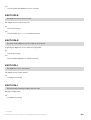
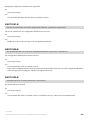
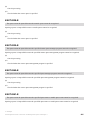
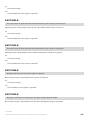
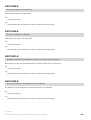
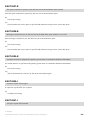
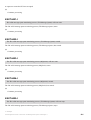
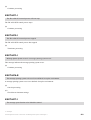
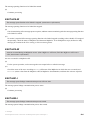
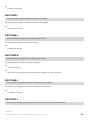
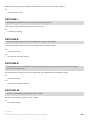
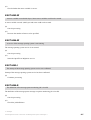
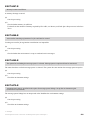
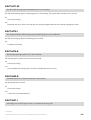
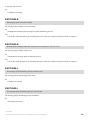
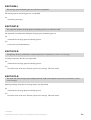
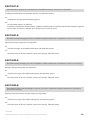
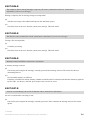
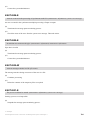
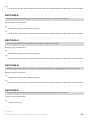
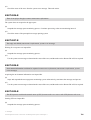
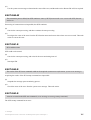
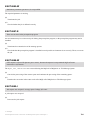
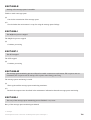
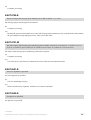
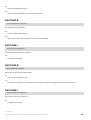
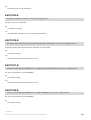
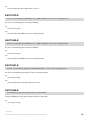
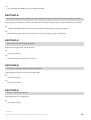
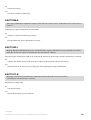
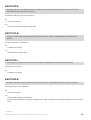
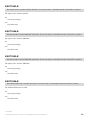
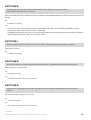
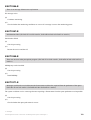
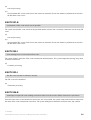
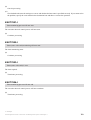
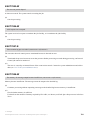
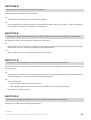
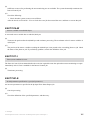
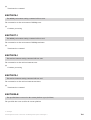
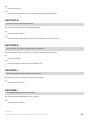
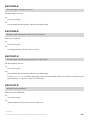
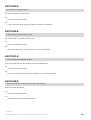
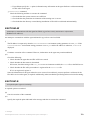
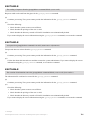
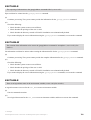
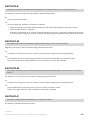
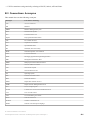
Table 1‒9: The output destinations of messages about JP1/AJS3 Console View
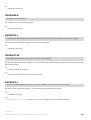
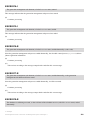
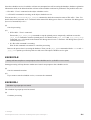
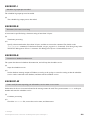
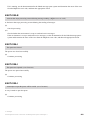
Message ID
Output destination
Dialog
Log
stderr
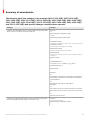
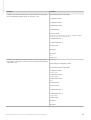
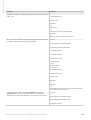
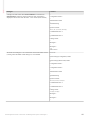
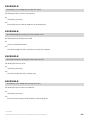
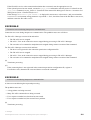
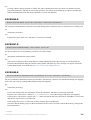
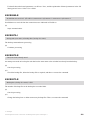
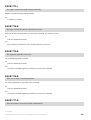
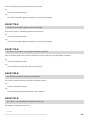
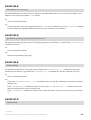
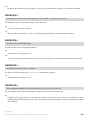
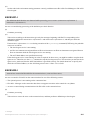
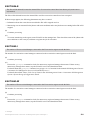
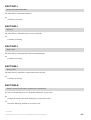
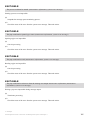
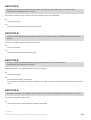
KAVC4001 KAVC4004
Y
Y
--
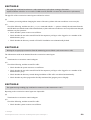
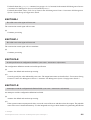
KAVC4005 -
Y
--
Y
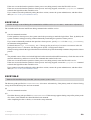
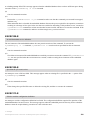
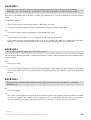
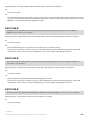
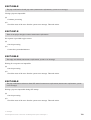
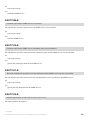
KAVC4008 KAVC4011
Y
--
--
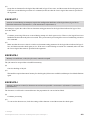
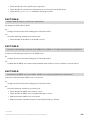
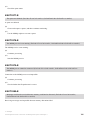
KAVC4012 KAVC4015
Y
Y
--
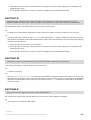
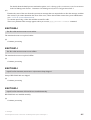
KAVC4016#
Y
--
Y
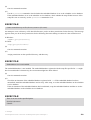
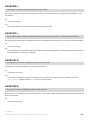
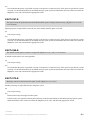
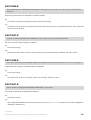
KAVC4017 KAVC4019
--
--
Y
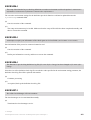
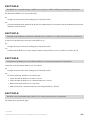
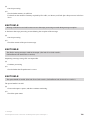
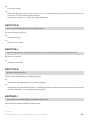
KAVC4020 KAVC4022
Y
Y
--
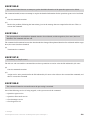
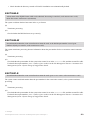
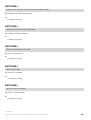
KAVC4027
Y
--
--
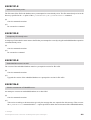
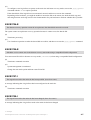
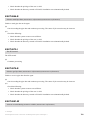
KAVC4028
--
--
Y
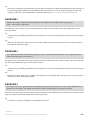
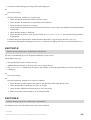
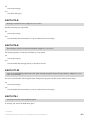
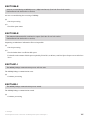
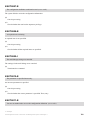
KAVC4101 -
--
Y
--
KAVC4006#
1. Overview of JP1/AJS3 Messages
Job Management Partner 1/Automatic Job Management System 3 Messages 1
33