1
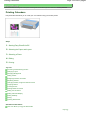
Printing Documents (Windows)
Page 48 of 815 pages
Note
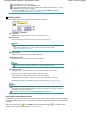
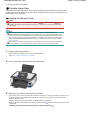
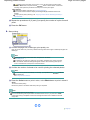
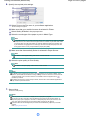
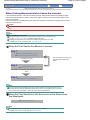
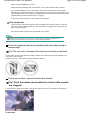
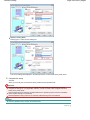
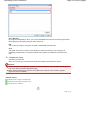
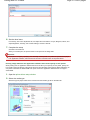
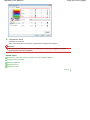
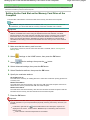
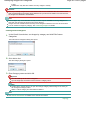
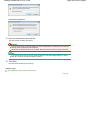
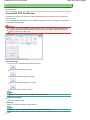
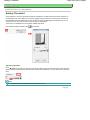
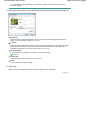
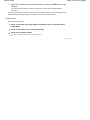
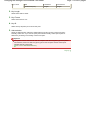
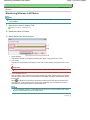
To cancel a print job in progress, press the Stop button on the machine or click Cancel Printing
on the printer status monitor. After canceling the print job, blank sheets of paper may be
ejected.
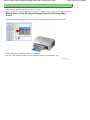
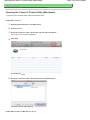
To display the printer status monitor, click Canon XXX Printer (where " XXX" is your machine's
name) on the taskbar.
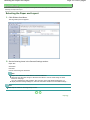
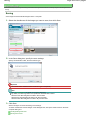
If printed ruled lines are misaligned or print results are unsatisfactory, adjust the print head
position.
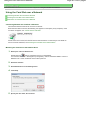
See Aligning the Print Head.
Page top