1
Repeating an Image on a Page (Image Repeat)
Page 317 of 815 pages
Advanced Guide > Printing Using the Operation Panel of the Machine > Copying > Using Useful Copy Functions >
Repeating an Image on a Page (Image Repeat)
Repeating an Image on a Page (Image Repeat)
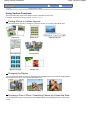
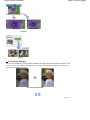
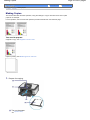
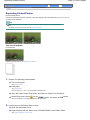
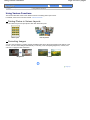
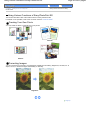
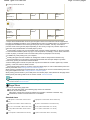
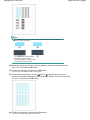
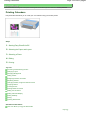
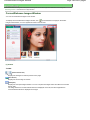
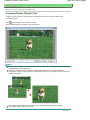
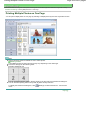
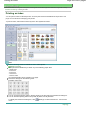
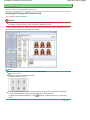
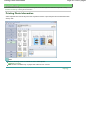
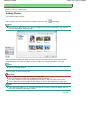
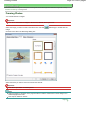
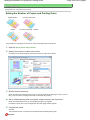
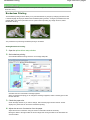
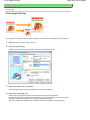
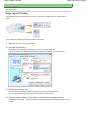
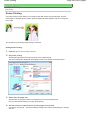
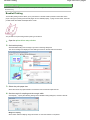
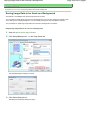
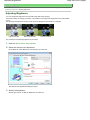
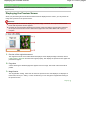
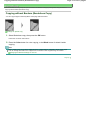
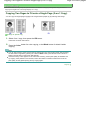
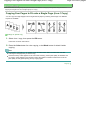
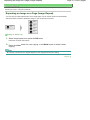
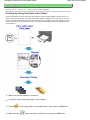
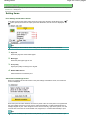
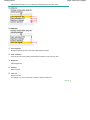
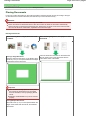
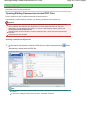
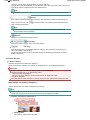
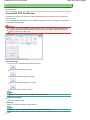
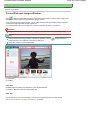
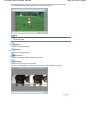
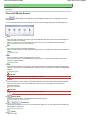
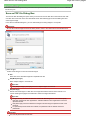
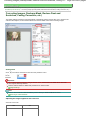
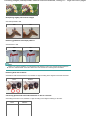
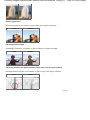
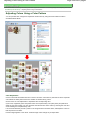
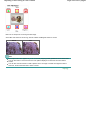
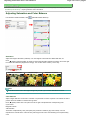
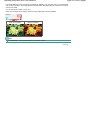
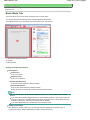
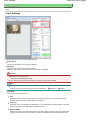
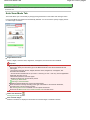
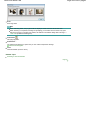
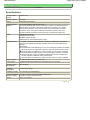
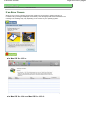
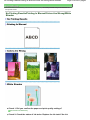
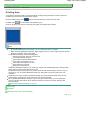
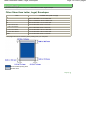
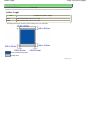
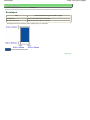
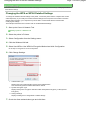
You can copy an image multiple times onto a single page. You can set the machine to automatically
select the number of times it repeats the image, or you can specify the number.
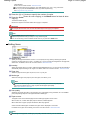
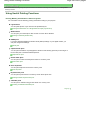
Settings for Special Copy
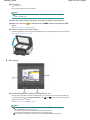
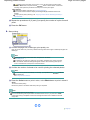
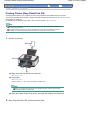
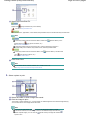
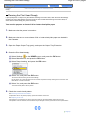
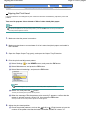
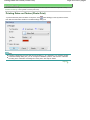
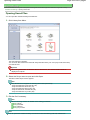
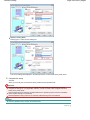
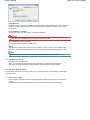
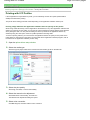
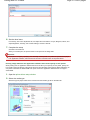
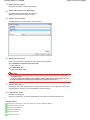
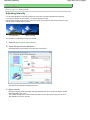
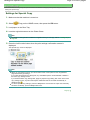
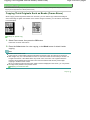
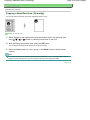
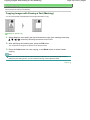
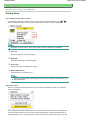
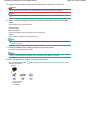
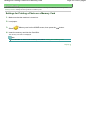
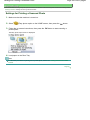
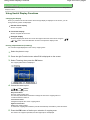
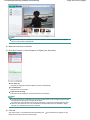
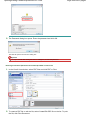
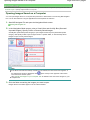
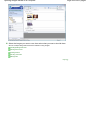
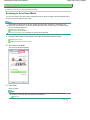
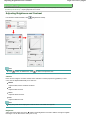
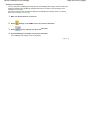
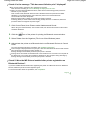
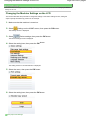
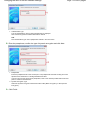
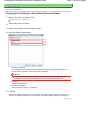
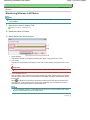
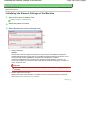
1. Select Image repeat, then press the OK button.
Follow the on-screen instructions.
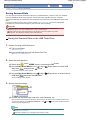
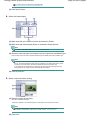
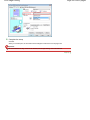
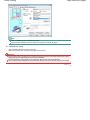
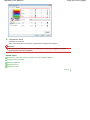
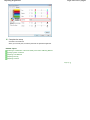
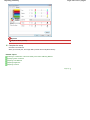
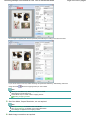
2. Press the Color button for color copying, or the Black button for black & white
copying.
Note
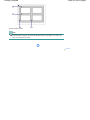
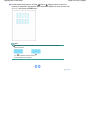
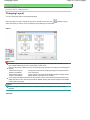
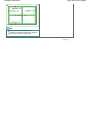
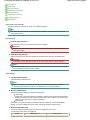
The area scanned from the original depends on the enlargement/reduction setting.
Page top