1
Running Tests
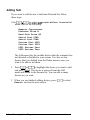
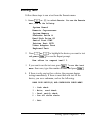
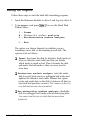
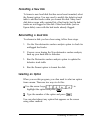
Follow these steps to run a test from the Execute menu:
1. Press [t3 or (T] to select Execute. You see the Execute
menu, such as the following:
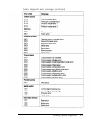
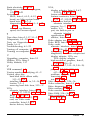
System Board
Numeric Coprocessor
System Memory
Diskette Drive A
Hard Disk Drive #1
Serial Port COMl
Printer Port LPTl
Video Adapter Test
Keyboard Test
2. Press (t) or 17) to highlight the device you want to test
and press [Enter). You see the Repeat prompt:
How often to repeat test? 1
3.
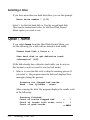
If you want to run the test once, press [E). To run the test
more than once, type the number of times and press [cl.
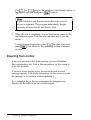
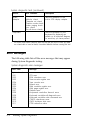
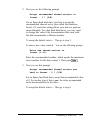
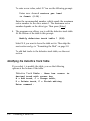
4. If there is only one test for a device, the program begins
testing immediately. If there is more than one test for the
device, you see a submenu, such as the following:
HARD DISK DRIVE(S) AND CONTROLLER CHECK MENU
1 2 3 4 -
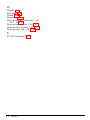
Seek check
Write, read check
Read, verify check
Run all above checks
0 - Exit
Running System Diagnostics
4-5