1
Configuration
3 - 29
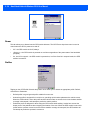
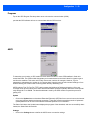
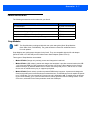
Programs
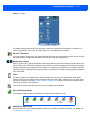
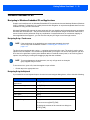
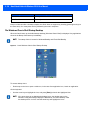
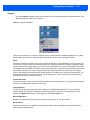
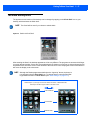
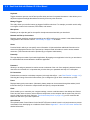
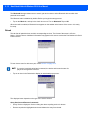
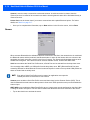
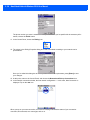
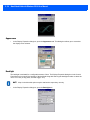
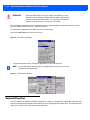
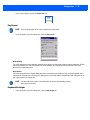
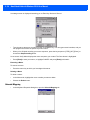
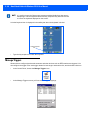
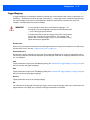
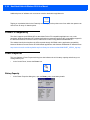
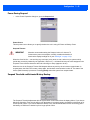
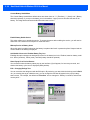
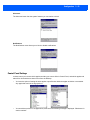
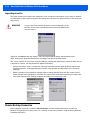
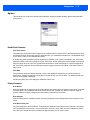
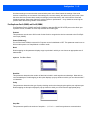
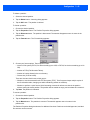
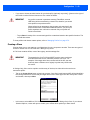
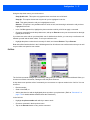
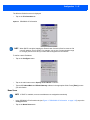
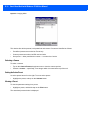
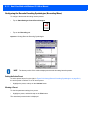
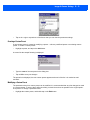
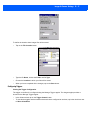
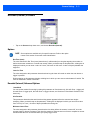
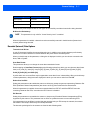
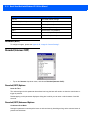
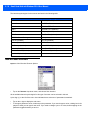
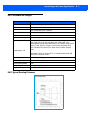
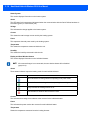
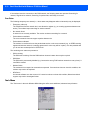
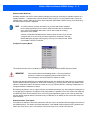
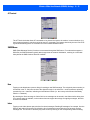
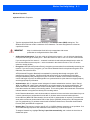
Tap on the GPS Program Port drop-down menu to choose the communication (COM)
port that the GPS software will use to communicate with the GPS receiver.
AGPS
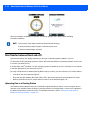
To determine your location, a GPS module receives data from three or more GPS satellites in fixed orbit
around the Earth. The GPS module triangulates your location based on the time it takes for signals to get to
and from the satellites. This works well in fairly clear areas, outdoors for example. However, if you’re
attempting to triangulate your location in city centres where signals bounce off tall concrete buildings or from
within a building, the GPS module will have greater difficulty calculating a fix.
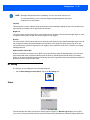
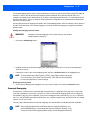
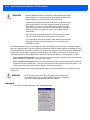
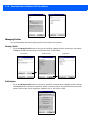
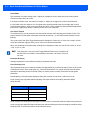
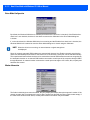
AGPS reduces Time To First Fix (TTFF) and increases the likelihood of finding and keeping a fix in poor
coverage areas such as indoor sites. AGPS downloads satellite ephemeris (orbital) data to the Omnii periodically through Wi-Fi or WWAN. The downloaded data is used by the GPS module to speed the process of
getting a fix.
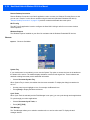
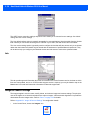
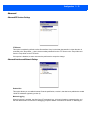
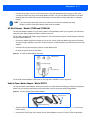
Update
•
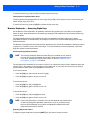
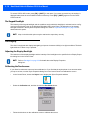
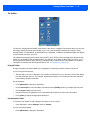
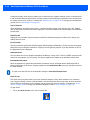
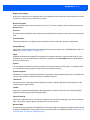
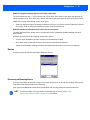
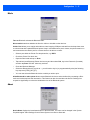
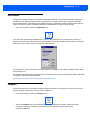
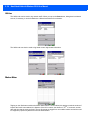
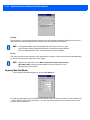
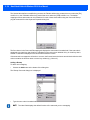
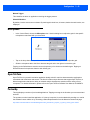
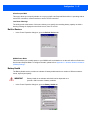
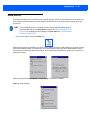
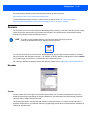
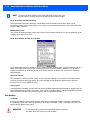
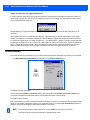
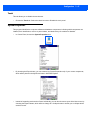
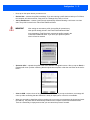
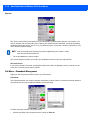
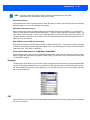
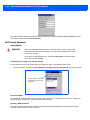
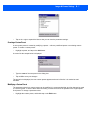
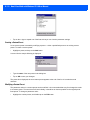
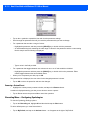
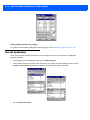
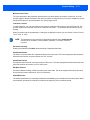
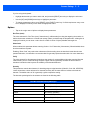
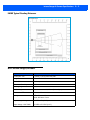
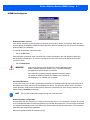
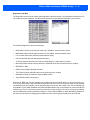
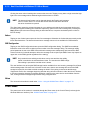
Click on the Update button to download Extended Ephemeris (EE) files from a secure host on the Internet
using any interface that has an Internet connection. These files contain several days worth of ephemeris
(orbital) data that can be used if the satellite broadcast ephemeris is not available.
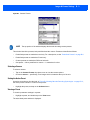
The Status field above the Update button displays the progress of the download, and once successfully downloaded, the Status field will read Idle.
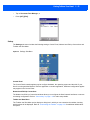
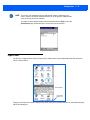
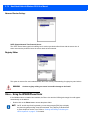
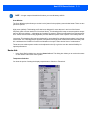
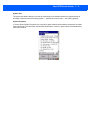
Settings
•
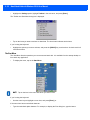
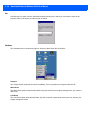
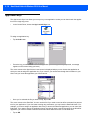
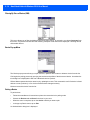
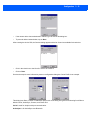
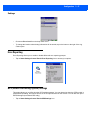
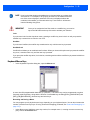
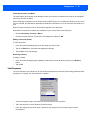
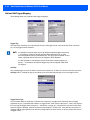
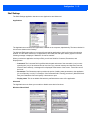
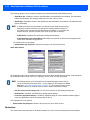
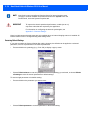
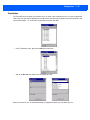
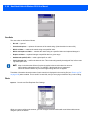
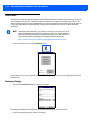
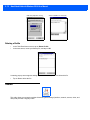
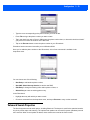
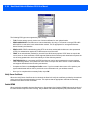
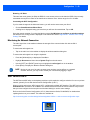
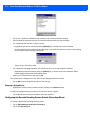
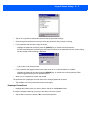
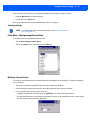
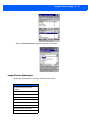
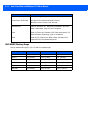
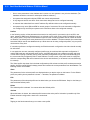
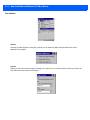
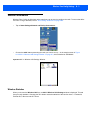
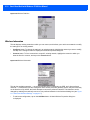
Click on the Settings button to define the AGPS server connection settings.