1
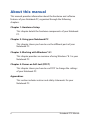
Airplane mode
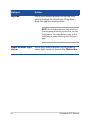
The Airplane mode disables wireless communication, allowing you to
use your Notebook PC safely while in-flight.
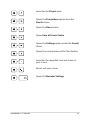
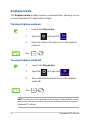
Turning Airplane mode on
1.
Launch the Charms bar.
2.
Tap/click
3.
Move the slider to the right to turn the Airplane
mode on.
and tap/click
.
.
Press
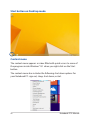
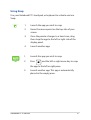
Turning Airplane mode off
1.
Launch the Charms bar.
2.
Tap/click
3.
Move the slider to the left to turn the Airplane
mode off.
Press
and tap/click
.
.
NOTE: Contact your airline provider to learn about related inflight services
that can be used and restrictions that must be followed when using your
Notebook PC in-flight.
56
Notebook PC E-Manual