1
Create/Edit PDF file Window
Sayfa 104 / 302 sayfa
On-Screen Manual > Scanning Guide > MP Navigator EX Screens > Create/Edit PDF file Window
Create/Edit PDF file Window
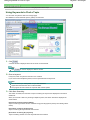
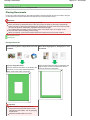
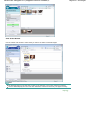
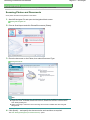
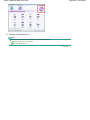
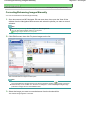
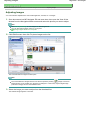
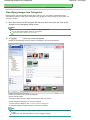
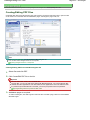
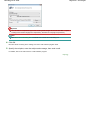
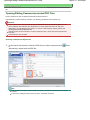
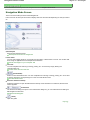
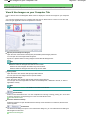
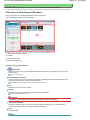
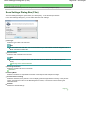
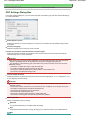
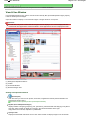
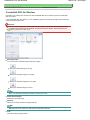
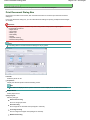
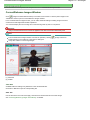
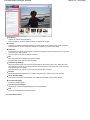
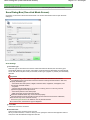
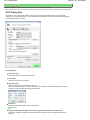
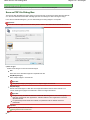
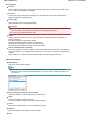
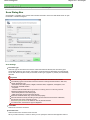
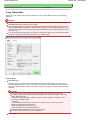
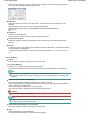
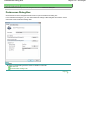
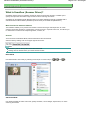
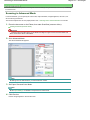
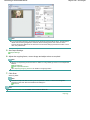
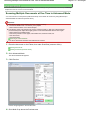
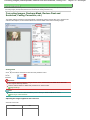
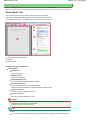
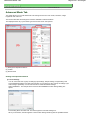
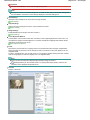
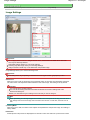
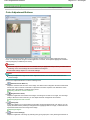
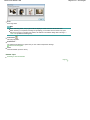
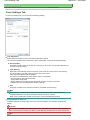
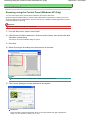
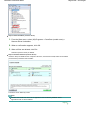
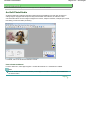
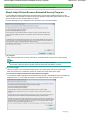
Click PDF in the View & Use window, then click Create/Edit PDF file on the list to open the Create/Edit
PDF file window.
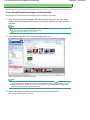
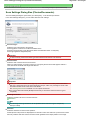
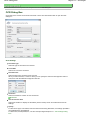
In the Create/Edit PDF file window, you can add/delete pages and rearrange the page order of PDF files
created with MP Navigator EX.
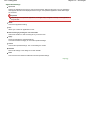
Important
You cannot save images scanned at 10501 pixels or more in the vertical and horizontal directions.
If a password-protected PDF file is edited, the passwords will be deleted. Reset the passwords.
Setting Passwords for PDF Files
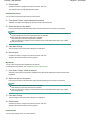
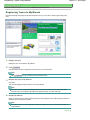
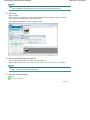
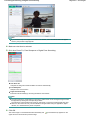
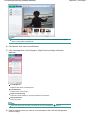
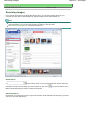
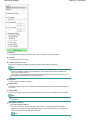
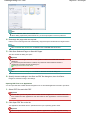
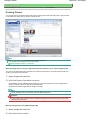
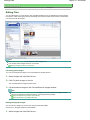
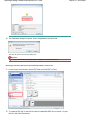
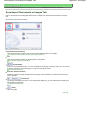
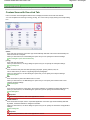
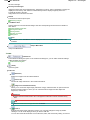
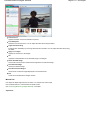
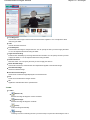
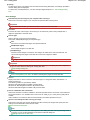
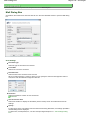
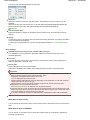
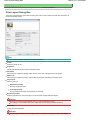
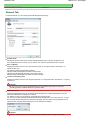
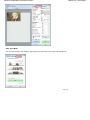
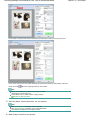
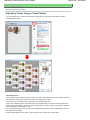
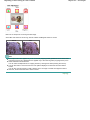
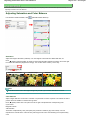
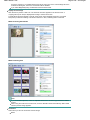
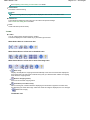
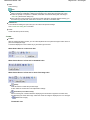
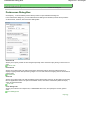
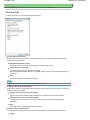
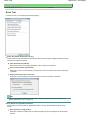
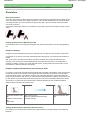
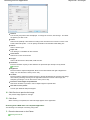
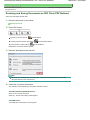
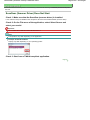
Rearrange Pages
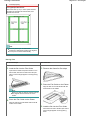
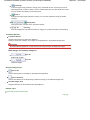
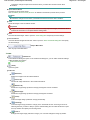
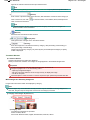
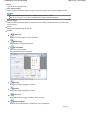
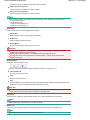
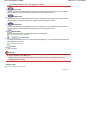
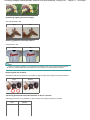
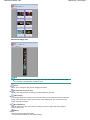
You can move the selected image (outlined in orange).
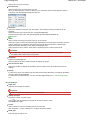
Moves the selected image to the top.
Moves the selected image up one page.
Moves the selected image down one page.
Moves the selected image to the end.
Note
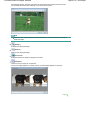
You can also drag and drop the image to rearrange the order.
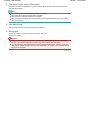
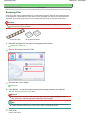
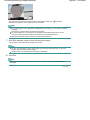
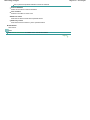
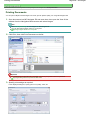
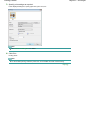
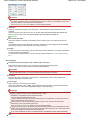
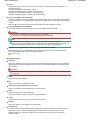
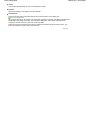
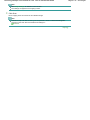
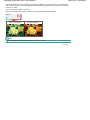
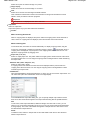
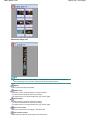
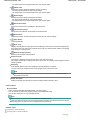
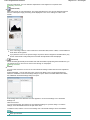
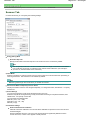
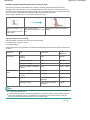
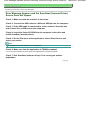
Delete Selected Pages
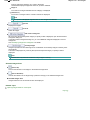
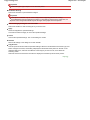
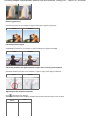
Deletes the selected image.
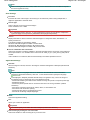
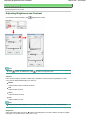
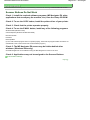
Add Page
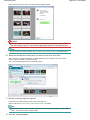
Allows you to select and add an existing PDF file.
Note
A password will be required to add a password-protected PDF file.
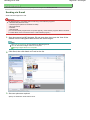
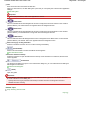
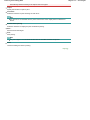
Undo
Cancels the latest change made.