1
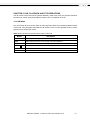
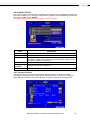
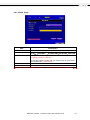
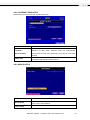
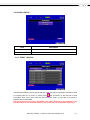
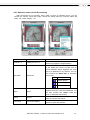
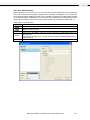
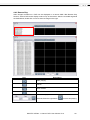
5-2 SEARCH SETUP
Item
Description
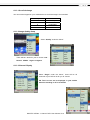
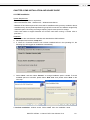
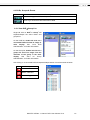
Event Search
Event search menu
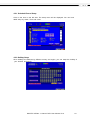
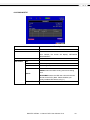
Time Search
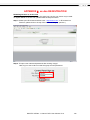
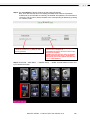
Enter time search menu
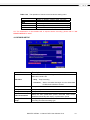
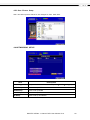
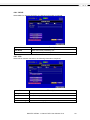
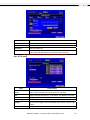
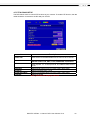
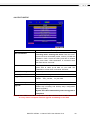
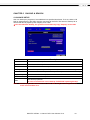
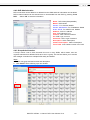
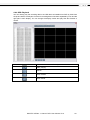
5-2.1 EVENT SEARCH
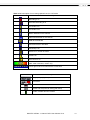
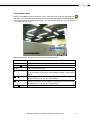
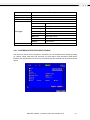
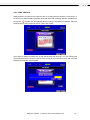
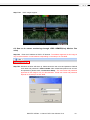
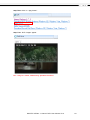
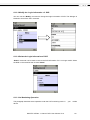
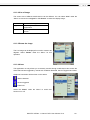
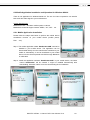
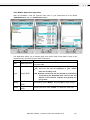
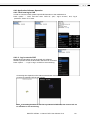
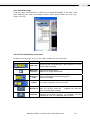
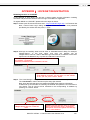
The DVR automatically records events with type, time and channel information included. If there
is recording data for an event, a yellow signal
will be shown on the left side of time
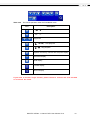
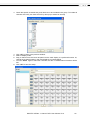
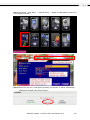
information. Rest your cursor under the line and press “enter”, or left click your mouse to
playback the recording data.
P.S. Event Records will still be generated even when hard disk is not installed or the
record function is not activated. However, the record can’t be viewed after selecting it.
MAGTEC MT854 4 channel DVR User Manual V1.0
43