1
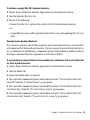
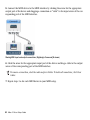
To configure an external MIDI device:
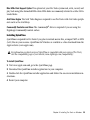
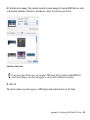
1 Select the external device icon and click Show Info (or double-click the new device icon).
External Device Icon
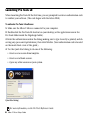
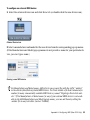
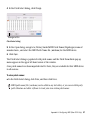
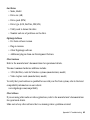
2 Select a manufacturer and model for the new device from the corresponding pop-up menus.
(If the Manufacturer and Model pop-up menus do not provide a name for your particular device, you can type a name.)
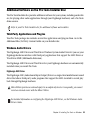
Naming a new MIDI device
For Manufacturer and Model names, AMS refers to one or more files with the suffix “.middev”
in the directory Root/Library/Audio/MIDI Devices. Pro Tools installs a file that contains information for many commercially available MIDI devices, named “Digidesign Device List.middev.” If the Manufacturer or Model names for any of your external MIDI devices is not available in the AMS Manufacturer and Model pop-up menus, you can add them by editing the
.middev file in any text editor (such as TextEdit).
Appendix A: Configuring AMS (Mac OS X Only) 53