1
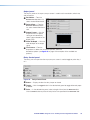
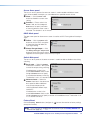
Output panel
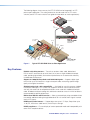
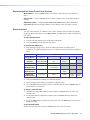
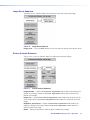
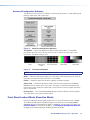
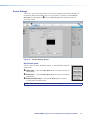
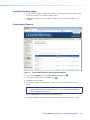
The Output panel on the Input/Output screen is used to set the resolution, refresh rate,
and test pattern.
3
Resolution — From the
Resolution drop-down list,
select the desired resolution.
4
Refresh Rate — From the
Refresh Rate drop-down
list, select the desired refresh
rate.
5
Output Format — Sets the
output format to a specific
setting or to automatically
select a format based on the
display EDID.
6
Video Bit Depth — Sets the
color bit depth of the output
signal.
7
Test Pattern —From the
drop-down list below the test pattern preview, select the
desired test pattern (see figure 16 on page 19 for examples of the available test
patterns).
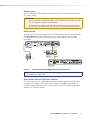
Relay Control panel
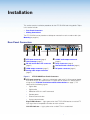
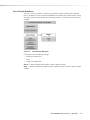
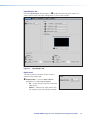
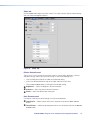
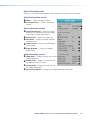
The Relay Control panel on the Input/Output screen is used to toggle or pulse relay 1
or 2.
Figure 28. Relay Control Panel
8
9
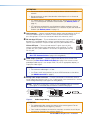
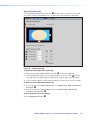
Status — Displays whether the relay is open or closed.
-
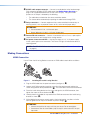
Pulse — In the desired relay panel, select a length of time from the Duration field.
Click the Pulse button to pulse the relay for the time specified in the Duration field.
Toggle — Click the Toggle button in the desired relay panel to toggle either relay open
or closed.
XTP SR HDMI Scaling Receiver • XTP System Configuration Software
36