1
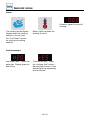
Program mode
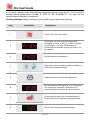
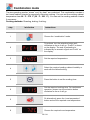
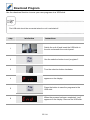
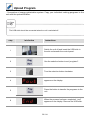
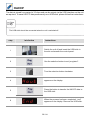
Check program
step
info/button
instructions
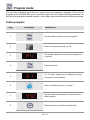
1
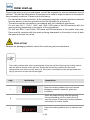
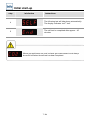
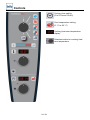
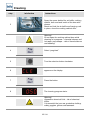
Use the selection button to set “prog/start”.
2
Choose the required program.
3
Press “prog/start” to show the first program
step. Press the button again to request the next
step. The cooking cabinet door should be open.
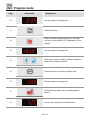
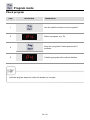
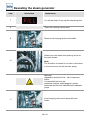
- If the display flashes, it means the program slot is vacant.
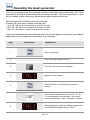
- The remaining cooking time for the program is shown in the “cooking time/core temperature”
display. If the program includes a step with core temperature, the remaining time is only shown
when this step has been finished.
- After the last program step has been requested by pressing the “prog/start” button, you start
again.
53 / 84