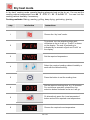
1
Settings Time/Date
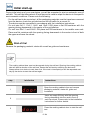
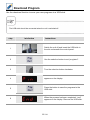
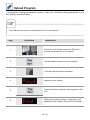
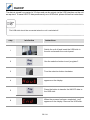
You can set the time and date on your unit for correct evaluation of HACCP data. Carry out
the settings as follows.
step
info/button
instructions
1
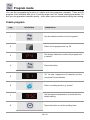
"Prog/Start" anwählen
2
Turn the selection button clockwise.
3
appears on the display.
4
Press the button.
5
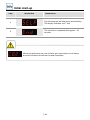
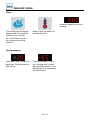
“24 12” appears in the top display for the time
mode. “24” appears in the lower cooking time/
core temperature display, showing the current
time format.
6
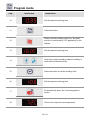
Turn the lower selection button if you wish to
change the time format from the 24-hour to the
12-hour pm/am format.
7
Turn the lower selection button if you wish to
change the time format from the 24-hour to the
12-hour pm/am format.
8
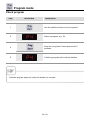
Shown on the upper display for the hour setting.
The current hour appears in the lower display.
9
Turn the lower selection button to set the hour
and save this using the “prog/start” button.
62 / 84