1
Chapter 4
Maintenance
Card Replacement
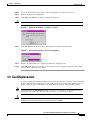
Step 2
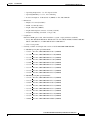
Switch the active card to standby:
a.
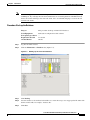
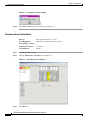
In the node view, select the Maintenance > E1-N-14, DS3i-N-12 and E3-12 tabs.
b.
From the menu, choose Switch.
c.
Click Yes on the Confirm Switch dialog box.
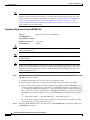
Note
A minor alarm appears on the manually-switched slot. After the active electrical card goes
into standby, the original standby slot becomes active. This causes the former standby card
ACT/STBY LED to become green.
Step 3
Pull the new standby card from the ONS 15454 SDH.
Step 4
Insert the replacement card into the empty slot. The replacement card boots up and becomes ready for
service after approximately one minute. Release the protection lockout.
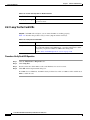
Procedure: Replace an FMEC Card
Purpose
Replacing an FMEC card
Tools/Equipment
—
Prerequisite procedures —
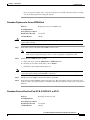
Caution
Note
Step 1
Note
Required/As Needed
As needed
On Site/Remote
On Site
Hazardous voltage or energy may be present on the backplane when the system is operating. Use
caution when servicing.
Traffic will be interrupted if active FMEC (E1, E3/DS3, DS1/E1) cards are removed from the ONS
15454 SDH.
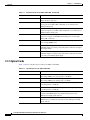
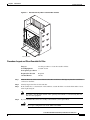
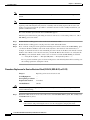
Disconnect all the cables with 1.0/2.3 miniature coax connectors from the damaged FMEC card
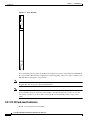
To disconnect the cable from the FMEC, pull the ring of the connector using the coaxial removal tool.
Step 2
Pull the damaged FMEC card from the shelf assembly.
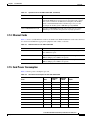
Step 3
Insert the new FMEC card into the empty slot.
Step 4
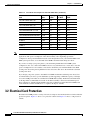
Gently push the cable connector down until the cable connector slides into the FMEC connector with a
click. The replacement card is now ready for traffic. The traffic starts automatically.
Cisco ONS 15454 SDH Troubleshooting and Maintenance Guide, R3.3
May 2002
4-15