1
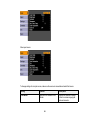
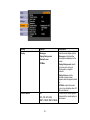
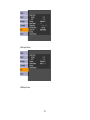
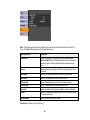
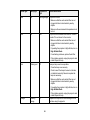
Setting
Options
Description
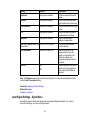
Power Consumption
Normal
Selects the brightness mode of
the projector lamp
ECO
Normal: sets maximum lamp
brightness
ECO: reduces lamp brightness
and fan noise, and saves power
and lamp life
Remote Receiver
Front
Rear
Front/Rear
Turns off reception of remote
control signals by receivers on
the projector; Off leaves all
receivers turned on
Off
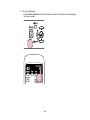
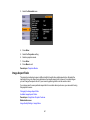
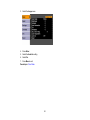
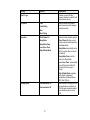
User Button
Power Consumption (default)
Info
Assigns a menu option to the
User button on the remote
control for one-touch access
Progressive
Test Pattern
Closed Caption
Multi-screen
Resolution
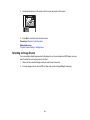
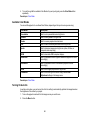
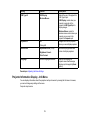
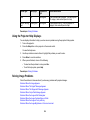
Test Pattern
On
Displays a test pattern to assist in
focusing and zooming the image
and correcting image shape
(press Esc to cancel pattern
display)
Off
Parent topic: Adjusting the Menu Settings
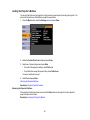
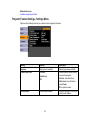
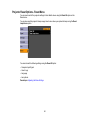
Projector Setup Settings - Extended Menu
Settings on the Extended menu let you customize various projector setup features that control its
operation.
75