1
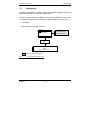
Basics of Configuration
B8976060/02
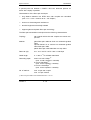
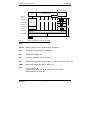
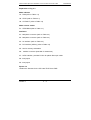
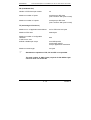
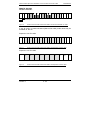
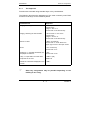
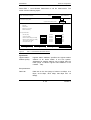
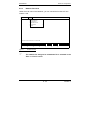
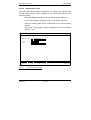
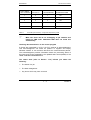
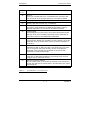
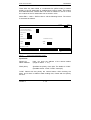
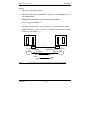
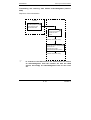
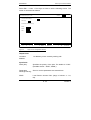
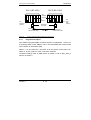
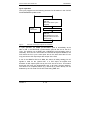
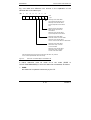
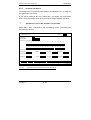
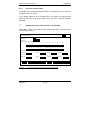
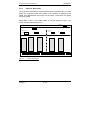
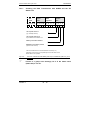
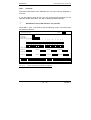
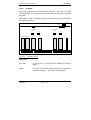
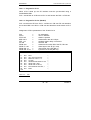
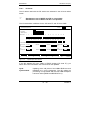
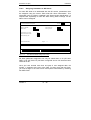
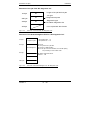
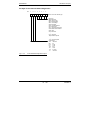
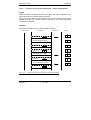
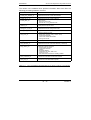
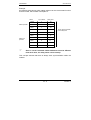
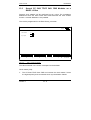
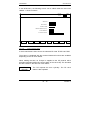
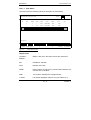
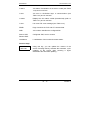
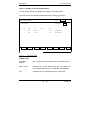
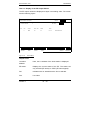
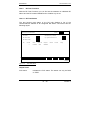
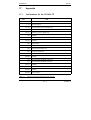
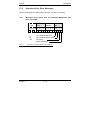
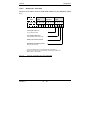
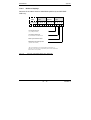
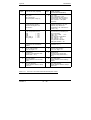
Input fields:
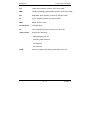
CP type:
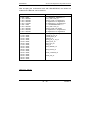
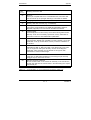
Here, you can choose between the various CPs
integrated in SINEC NCM:
(possible selections: e.g. CP 5430 TF, CP 5431 FMS,
CP 5412, CP 5470)
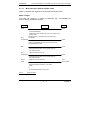
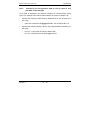
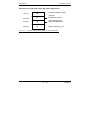
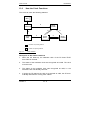
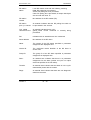
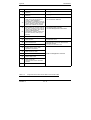
Status:
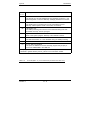
The status decides whether the next executable
functions are performed:
(possible selections: ONLINE CP, OFFLINE FD)
description in Section 6.3
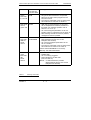
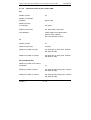
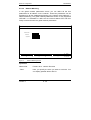
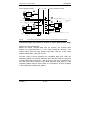
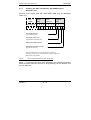
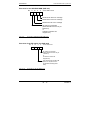
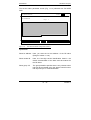
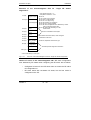
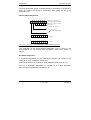
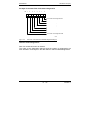
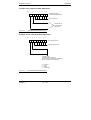
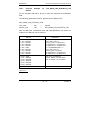
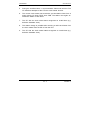
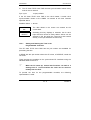
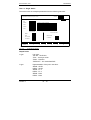
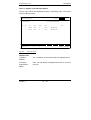
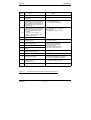
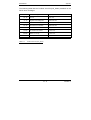
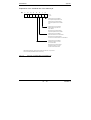
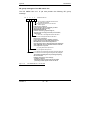
Database file:
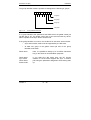
Format: drive : database
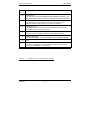
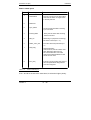
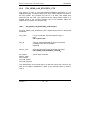
- Drive:
Here, you specify the drive you want to work with. If
you press F8 the possible drives are displayed.
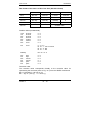
- Database:
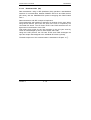
You can specify any string (except for the first
character) to assign a name to the database of a CP
(module file). Each CP module has its own module file
set up on the data diskette. This contains all the
parameters for operating the CP. If files already exist
and you press the F8 selection key, the directory is
searched for appropriate entries and the files displayed
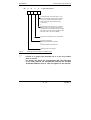
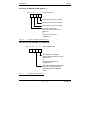
for selection. You can change this name, however, the
first letter must be an "O" for the CP 5430 TF or a "Q"
for the CP 5431 FMS (possible selections:
alphanumeric characters and the period).
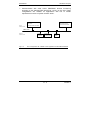
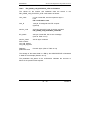
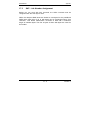
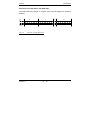
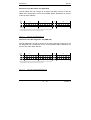
Under S5 DOS stage 6, the database files are saved in
the working directory. You can change the working
directory in the S5 stage 6 presets screen.
Volume 1
6 - 18