1
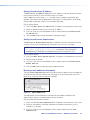
EDID configuration
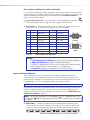
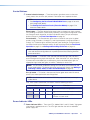
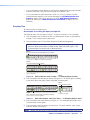
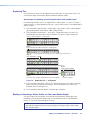
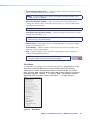
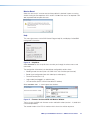
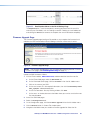
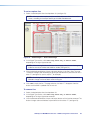
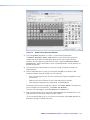
1. In the Plane section, select the plane that has an EDID-supporting output board
installed.
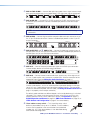
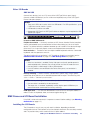
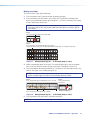
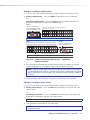
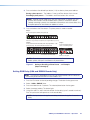
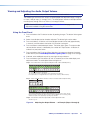
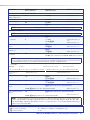
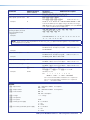
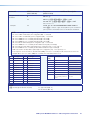
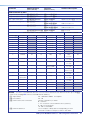
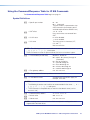
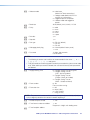
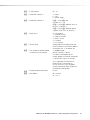
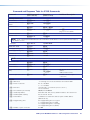
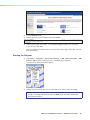
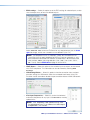
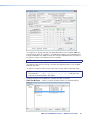
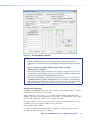
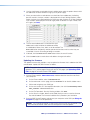
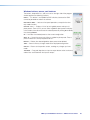
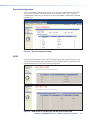
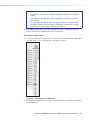
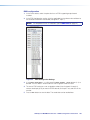
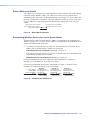
2. In the EDID Configuration section, click the applicable input number and scroll down to
the resolution and refresh rate desired (see figure 62, input 7).
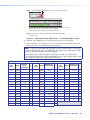
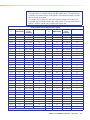
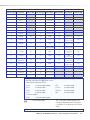
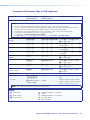
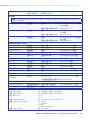
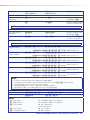
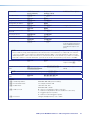
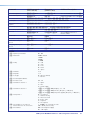
NOTE: The drop-down list has 41 selections (see the EDID table on page 41).
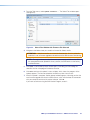
Figure 62. EDID Configuration Settings
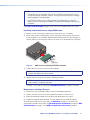
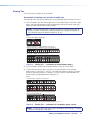
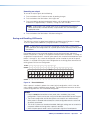
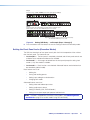
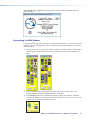
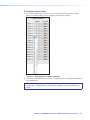
3. If using User Assigned 1 - 4, click one of the Save Output 1 User buttons (1-4) as
desired. The DDC data is saved under the User Assigned number for recall.
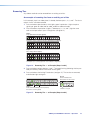
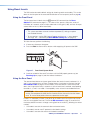
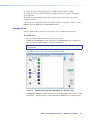
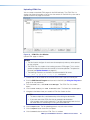
4. To save an EDID setting to a user assignable number (User Assigned 1 through 4),
connect the display (that you want the EDID data for) to Output 1 only and turn on the
monitor.
5. Press a User button to save the data. The saved data can be recalled later.
SMX System MultiMatrix Switcher • HTML Configuration and Control
103