1
Playing music
tracks
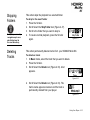
Follow these steps to play music tracks.
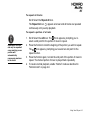
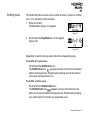
1. Press the Play/Pause button
for a few seconds.
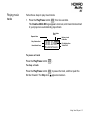
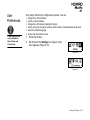
The Creative MuVo NX logo appears onscreen, and music tracks stored
in your player are automatically played back.
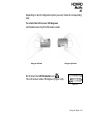
Play Mode
Icon
Elapsed time
Battery Level
Indicator
Play Status Icon
EQ Setting Icon
Music Mode Icon
Track Title
To pause a track
Press the Play/Pause button
.
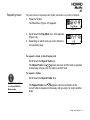
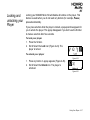
To stop a track
Press the Play/Pause button
Scroller forward. The Stop icon
to pause the track, and then push the
appears onscreen.
Using Your Player 4-3