1
VoiceFinder VoIP Gateway Configuration Guide (APOS 2.0) Release Version 3.1
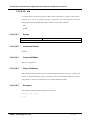
3.10.6.2.
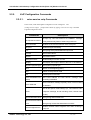
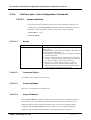
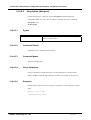
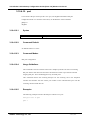
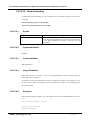
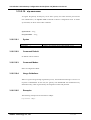
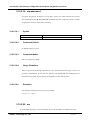
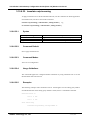
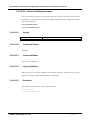
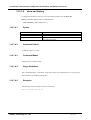
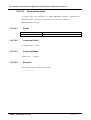
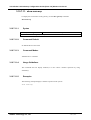
busyout monitor
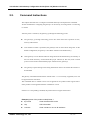
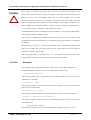
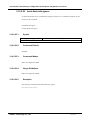
To place a voice port into the busyout monitor state, enter the busyout monitor command in
voice-port configuration mode. To remove the busyout monitor state from the voice port, use
the no form of this command.
busyout monitor {callagent| gatekeeper| sip-server| voip-interface}
no busyout monitor
3.10.6.2.1.
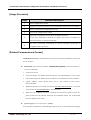
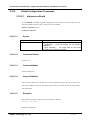
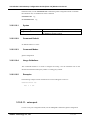
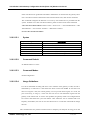
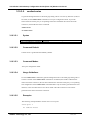
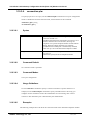
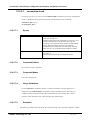
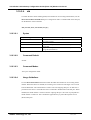
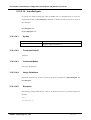
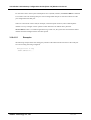
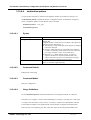
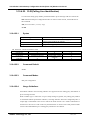
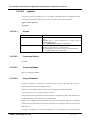
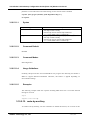
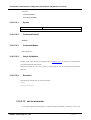
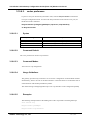
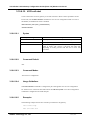
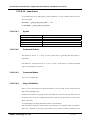
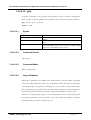
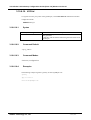
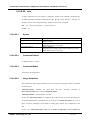
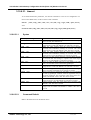
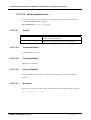
Syntax
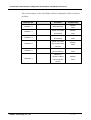
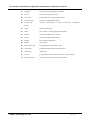
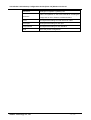
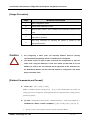
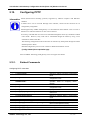
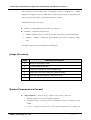
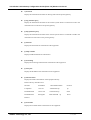
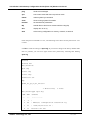
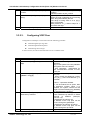
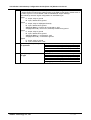
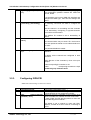
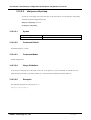
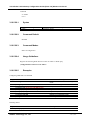
Keyword / Argument
callagent
gatekeeper
sip-server
voip-interface
3.10.6.2.2.
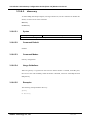
Description
Monitors the binding state with MGC
Monitors the binding state with gatekeeper
Monitors the binding state with proxy
Monitors the up/down state of VoIP interface
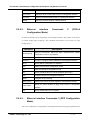
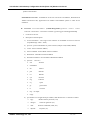
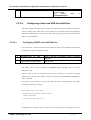
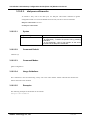
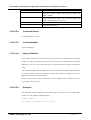
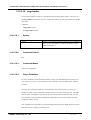
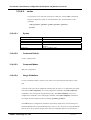
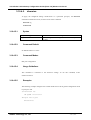
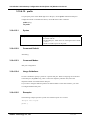
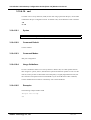
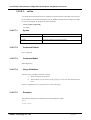
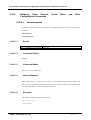
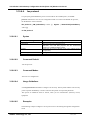
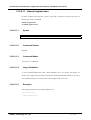
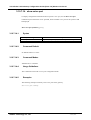
Command Default
The voice port does not monitor any interfaces.
3.10.6.2.3.
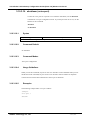
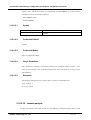
Command Modes
Voice Service voip configuration
3.10.6.2.4.
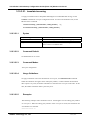
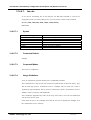
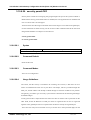
Usage Guidelines
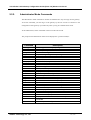
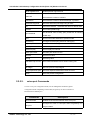
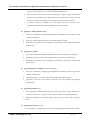
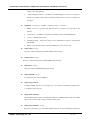
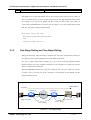
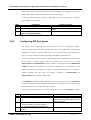
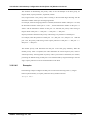
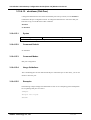
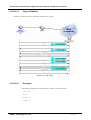
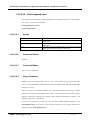
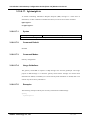
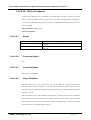
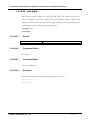
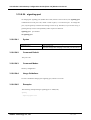
The gateway provides busyout monitor service for the configuration of which PSTN transfers
automatically, when a call can not be delivered due to a network failure or an abnormal state of
communication with Gatekeeper/SIP-Proxy/MGC.
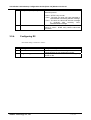
The related setting of callagent/gatekeer/sip-server/voip-interface can be
configured repeatedly
3.10.6.2.5.
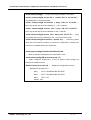
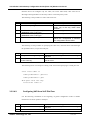
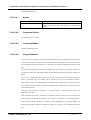
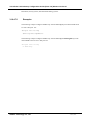
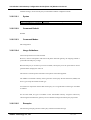
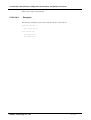
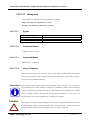
Examples
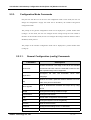
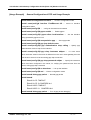
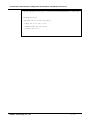
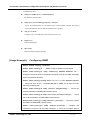
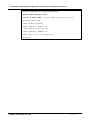
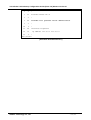
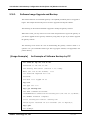
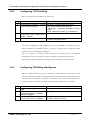
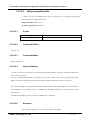
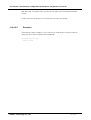
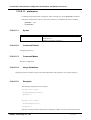
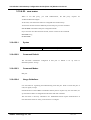
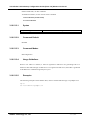
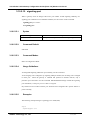
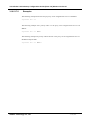
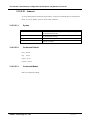
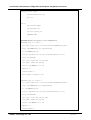
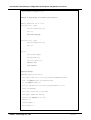
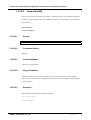
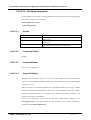
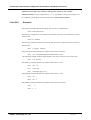
The following example monitors the binding state of the voip-interface with the gatekeeper.
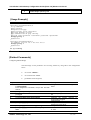
voice service voip
busyout monitor gatekeeper
busyout monitor voip-interface
AddPac Technology Co., LTD
- 330 / 416-