1
VoiceFinder VoIP Gateway Configuration Guide (APOS 2.0) Release Version 3.1
3.7.3.
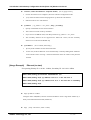
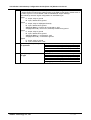
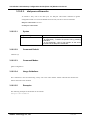
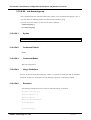
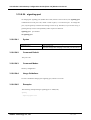
ntp
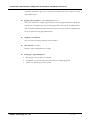
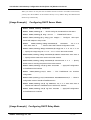
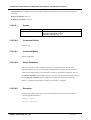
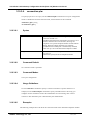
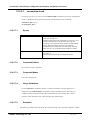
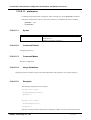
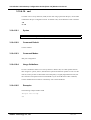
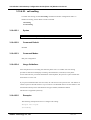
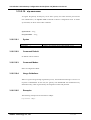
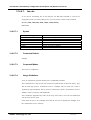
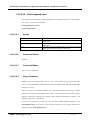
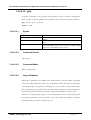
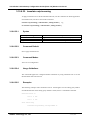
VoiceFinder Gateway Series of AddPac Technology products support Network Time Protocol.
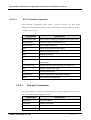
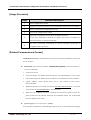
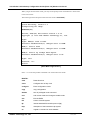
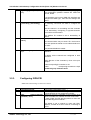
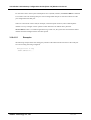
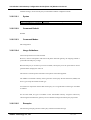
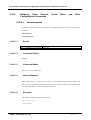
This command is to set the gateway time to network time server same by taking the time
information from a time server of the network.
This feature is basically disabled, but to enable ntp related settings, use script ntpdate
WORD command. To disable it, use no script ntpdate WORD command to delete ntp
related settings.
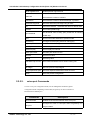
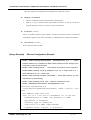
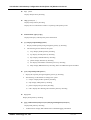
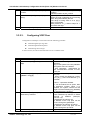
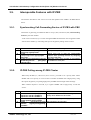
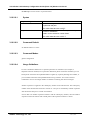
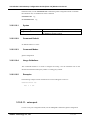
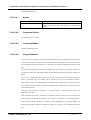
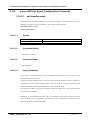
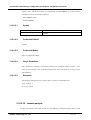
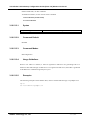
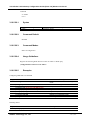
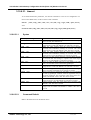
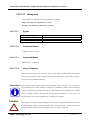
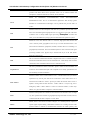
Step
1
2
3
3.7.4.
Commands
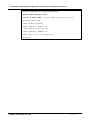
model name# configure terminal
model name(config)# script ntpdate WORD
model name(config-script)# server ip <ip
address>
Description
Enter configuration mode
Enter script mode to set NTP options
Add server address
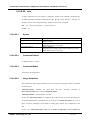
snmp
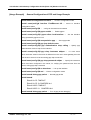
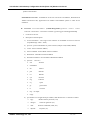
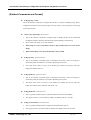
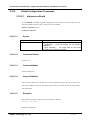
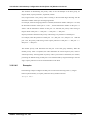
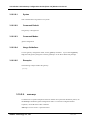
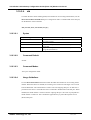
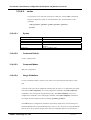
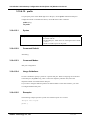
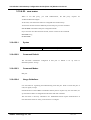
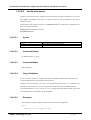
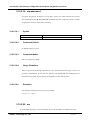
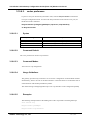
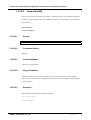
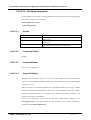
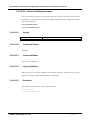
The AddPac VoiceFinder Gateway Series can perform the work of SNMP agent.
A remote equipment can access to the gateway by using SNMP and use the feature.
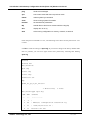
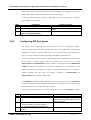
This feature is disabled at default. To enable, use snmp server command and to return to the
default, use no snmp server command.
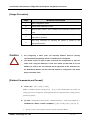
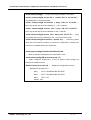
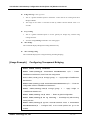
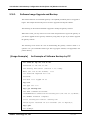
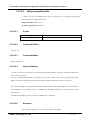
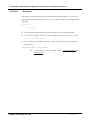
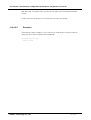
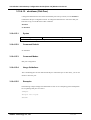
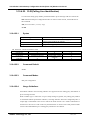
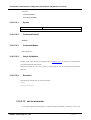
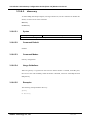
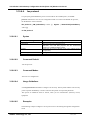
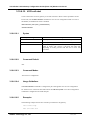
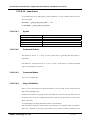
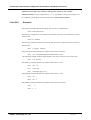
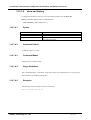
If a user wants to change snmp port information of the gateway, then service-port feature can be
used.
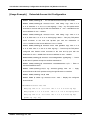
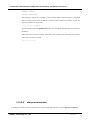
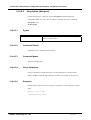
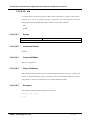
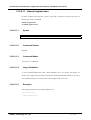
When to change, snmp port <TCP/UDP Server Port> command is used, to use SNMP
port(161) at default, use snmp port 161 or no snmp port command.
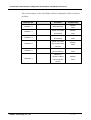
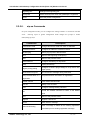
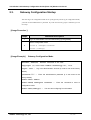
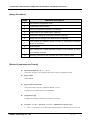
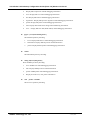
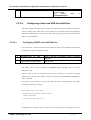
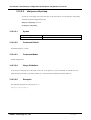
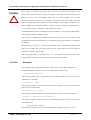
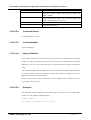
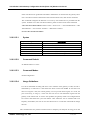
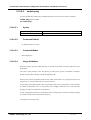
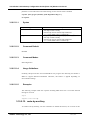
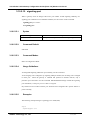
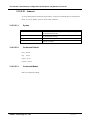
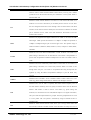
Step
1
2
3
4
Commands
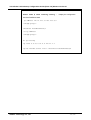
model name# configure terminal
model name(config)# snmp server
model name(config)# snmp port <port number>
model name(config# exit
AddPac Technology Co., LTD
Description
Enter configuration mode
Enable SNMP agent
Change to the designated SNMP port by
user
Ends configuration
- 182 / 416-