1
Modules
Camera Application
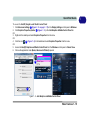
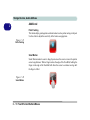
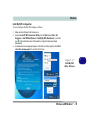
The camera application is a video viewer for general purpose video viewing and testing, and for capturing video files to .avi format.
1.
2.
3.
Run the camera application from the desktop shortcut (it is recommended that you
set the capture file before the capture process - see below).
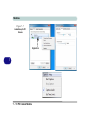
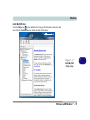
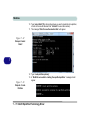
Go to the Capture menu heading (if you wish to capture audio check “PC Camera
Audio Setup” on page 7 - 17) and select Start Capture.
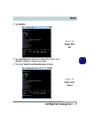
Click OK/Yes (the file location will be displayed in the pop-up box) to start
capturing the video, and press Esc to stop the capture (you can view the file using
the Windows Media Player).
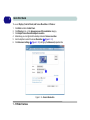
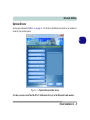
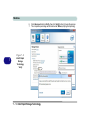
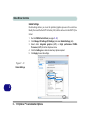
Set Capture File
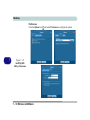
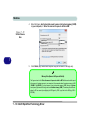
Prior to capturing video files you may select the Set Capture File... option in the
File menu, and set the file name and location before capture (this will help avoid accidentally overwriting files). Set the name and location then click Open, then set the
"Capture file size:" and click OK. You can then start the capture process as on the
previous page.
Note the important information in “Reducing Video File Size” on page 7 - 20 in
order to save file space, and help prevent system problems.
PC Camera Module 7 - 19
7