1
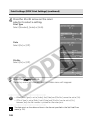
Locking the Exposure Setting (AE Lock) (continued)
○ ○ ○ ○ ○ ○ ○ ○ ○ ○ ○ ○ ○ ○ ○ ○ ○ ○ ○ ○ ○ ○
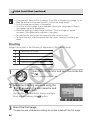
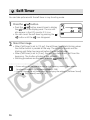
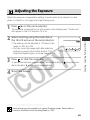
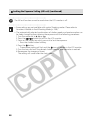
The AE lock function cannot be used when the LCD monitor is off.
○ ○ ○ ○ ○ ○ ○ ○ ○ ○ ○ ○ ○ ○ ○ ○ ○ ○ ○ ○ ○ ○
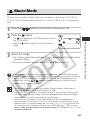
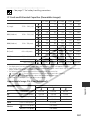
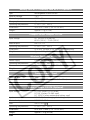
• Some settings are not available with certain Shooting modes. Please refer to
Functions Available in Each Shooting Mode (p. 208).
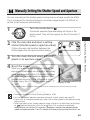
• The automatically selected combinations of shutter speeds and aperture values can
be freely changed without altering the exposure with the following procedures.
or .
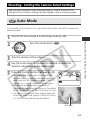
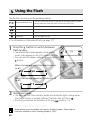
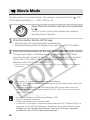
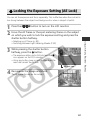
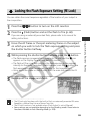
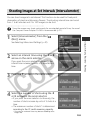
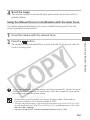
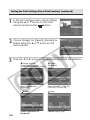
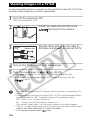
1 Turn the mode dial to ,
button to turn on the LCD monitor.
2 Press the
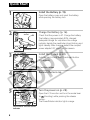
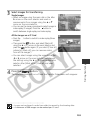
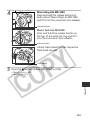
3 Focus on the subject on which you wish to lock the exposure.
- Press the shutter button halfway.
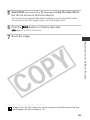
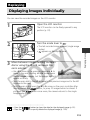
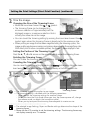
4 Press the button.
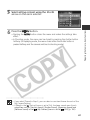
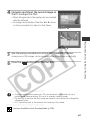
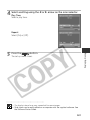
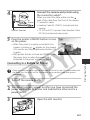
- The exposure setting will lock and the icon will appear in the LCD monitor.
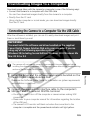
5 Turn the main dial until the desired shutter speed or aperture value is reached.
6 Recompose the image and shoot.
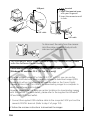
The setting will cancel after the shot is taken.
98