1
3–18
Upgrading the Subsystem
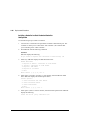
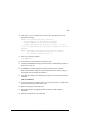
3.
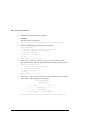
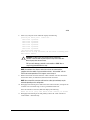
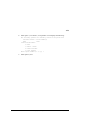
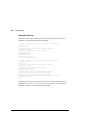
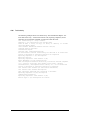
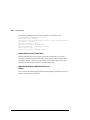
Enter N(o). FRUTIL displays the FRUTIL Main menu:
FRUTIL Main Menu:
1. Replace or remove a controller or cache module
2. Install a controller or cache module
3. Replace a PVA module
4. Replace an I/O module
5. Exit
Enter choice: 1, 2, 3, 4, or 5 ->
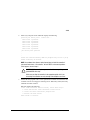
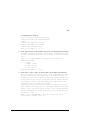
4.
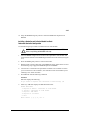
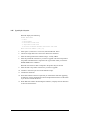
Enter option 2, Install a controller or cache module, from the FRUTIL Main
menu. FRUTIL displays the Install Options menu:
Install Options:
1. Other controller and cache module
2. Other controller module
3. Other cache module
4. Exit
Enter choice: 1, 2, 3, or 4 ->
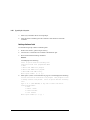
5.
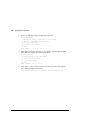
Enter option 1, Other controller and cache module, from the Install Options
menu. FRUTIL display the following:
Insert the both the slot B controller and cache module? Y/N