1
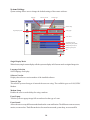
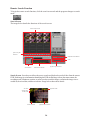
Backup Mode
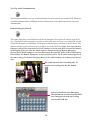
Select the type of backup to perform.
Manual : Start backup manually.
Daily : Perform automatic daily backup at a set time.
Weekly : Perform weekly backup automatically on set day and time.
Monthly : Perform monthly backup automatically on a set date and time.
Specific Date : Backup based on a specific date and time.
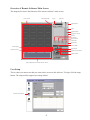
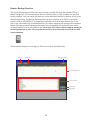
Camera Selection
Select which cameras to be backed up
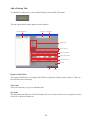
Save Mode Selection
Save mode selection allows for the backup of cmaeras that are using a particular recoring mode. The
selections are: All, continuous, motion, sensor, and audio.
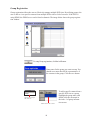
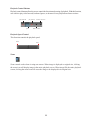
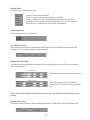
Backup Time Start/Stop
This function tells the system the time and date of the recorded video to backup. There are two modes manual and automatic.
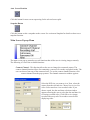
manual backup
Enter start and end times for manual backup.
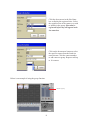
automatic backup
Enter start and end times for automatic
backup. Day 0 is for today, and 1 for previous
day.
Please Note: If the start times and end times are the same, the backup operation will not be performed.
Backup File Format
System allows backup to be saved in two different file formats: VDB (DVR’s native file format) or AVI.
27