1
Modules
Reducing Video File Size
Note that capturing high resolution video files requires a substantial amount of disk
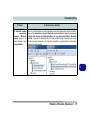
space for each file. After recording video, check the video file size (right-click the
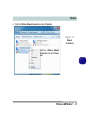
file and select Properties) and the remaining free space on your hard disk (go to My
Computer, right-click the hard disk, and select Properties). If necessary you can
remove the recorded video file to a removable medium e.g. CD, DVD or USB Flash
drive.
7
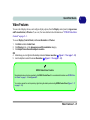
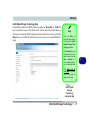
Note that the Windows system requires a minimum of 15GB of free space on the C:
drive system partition. In order to prevent system problems it is recommended that
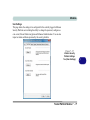
you save the captured video file to a location other than the C: drive (see “Set Capture File” on page 7 - 19), limit the file size of the captured video or reduce video
resolution (see below).
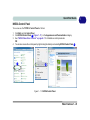
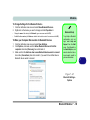
To Reduce Video Resolution Output Size:
1.
2.
3.
4.
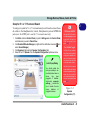
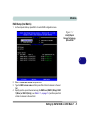
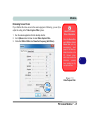
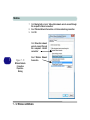
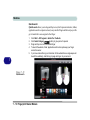
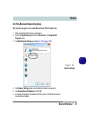
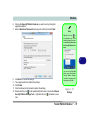
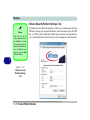
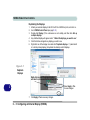
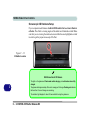
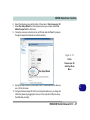
Run the camera application program from the desktop shortcut.
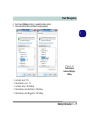
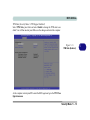
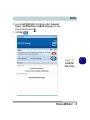
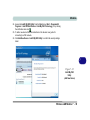
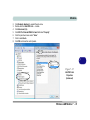
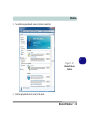
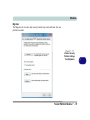
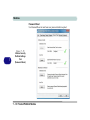
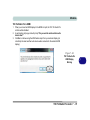
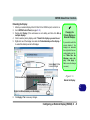
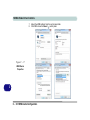
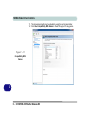
Go to Options and scroll down to select Video Capture Pin....
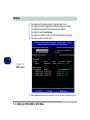
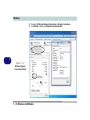
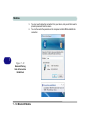
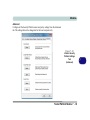
Click the Output Size drop box and select a lower resolution size in order to
reduce the captured file size.
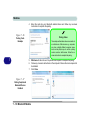
Click OK.
7 - 20 PC Camera Module