1
Cancelling/
Ending Print
Jobs
Cancelling/Ending Print Jobs
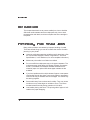
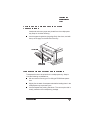
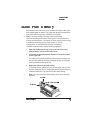
The Cancel key has two functions:
n
n
It cancels all print jobs that are currently printing, interpreting,
spooling, or terminating.
It allows you to send an end-of-job indicator to a currently compiling print job that is waiting for incoming data.
You don’t have to press the Online/Offline key to take the printer off
line before using the Cancel key. There are no equivalent functions in
the configuration menu.
»
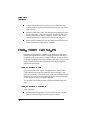
Note: If you need to cancel the cancel job or end job procedure,
press the Menu key.
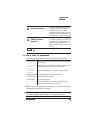
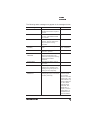
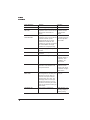
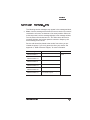
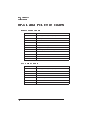
Cancelling a Print Job
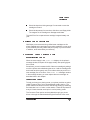
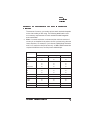
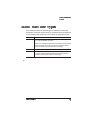
Press the control panel keys in the order shown in the following
instructions to cancel a print job.
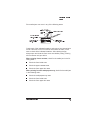
Press this to...
key...
The message window
reads...
Cancel
CANCELLING JOB?
YES
Access the Cancelling Job menu. You
are prompted for confirmation that you
want to cancel the print job.
Cancel or Select Yes.
Select
YES
IS SELECTED
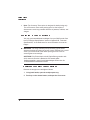
CANCELLING JOB
Cancel all print jobs in the queue that
are currently printing, interpreting,
spooling, or terminating. The
CANCELLING JOB message displays
until the print job is completely removed
from the printer.
Advanced Printing Features
3-11