1
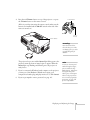
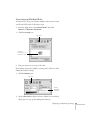
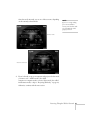
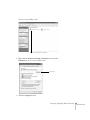
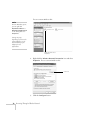
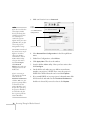
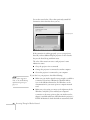
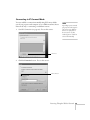
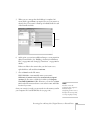
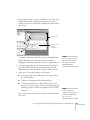
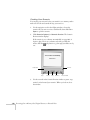
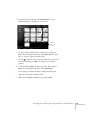
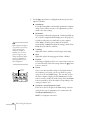
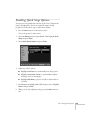
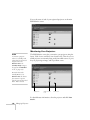
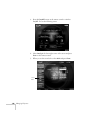
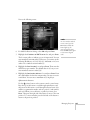
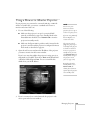
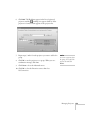
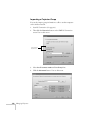
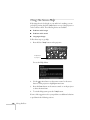
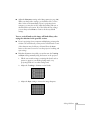
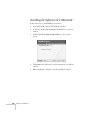
4. Click the Advanced button. You see this screen.
note
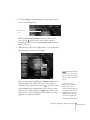
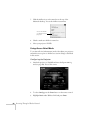
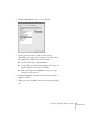
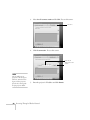
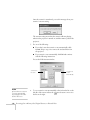
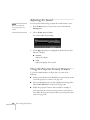
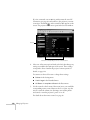
5. Click Export to export a file for all groups in the Connection
Group list.
If you haven’t created any
groups, the Export button
will be grayed out. You must
create at least one group
before the Export button
is active.
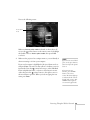
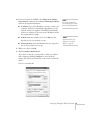
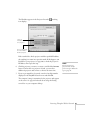
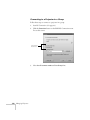
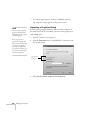
6. Highlight the file name (NSGroup.ini) and select Save to.
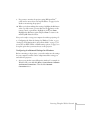
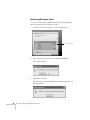
7. Choose a location on the second computer and click Save.
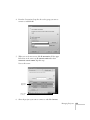
To connect to the projector from the new computer, follow the steps
beginning on page 154.
Managing Projectors 157