1
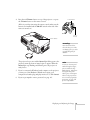
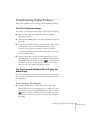
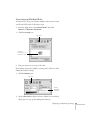
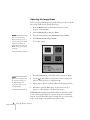
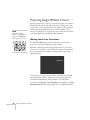
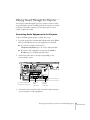
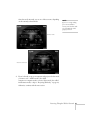
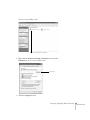
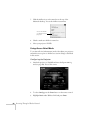
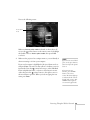
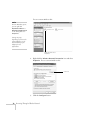
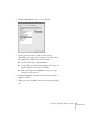
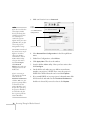
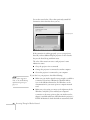
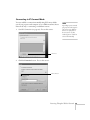
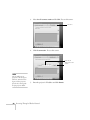
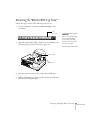
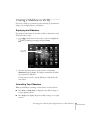
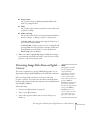
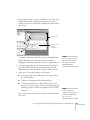
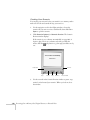
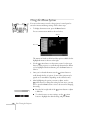
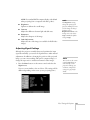
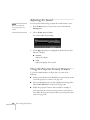
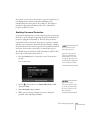
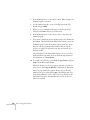
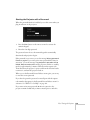
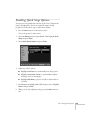
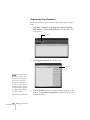
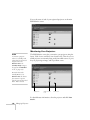
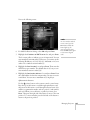
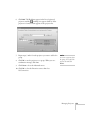
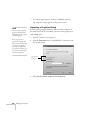
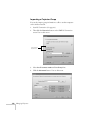
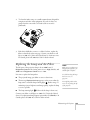
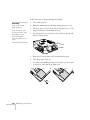
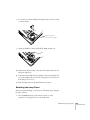
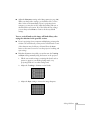
Once the card is inserted, you see one of these screens, depending
on the currently selected mode:
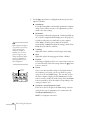
note
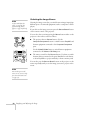
If you see a message asking
you to insert a LAN or
memory card, check to make
sure your 802.11g card is
properly inserted.
Ad Hoc mode
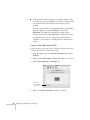
Access Point mode
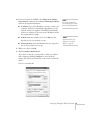
4. If you’ve already set up your computer and projector for the mode
you want to use—Ad Hoc mode (also called
computer-to-computer mode) or Access Point mode (also called
infrastructure mode)—skip to “Projecting Wirelessly” on page 83.
Otherwise, continue with the next section.
Presenting Through a Wireless Network 61