1
Configuring Your Printer
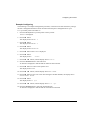
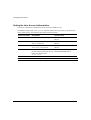
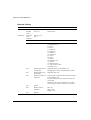
Setting the Printer Installation
The installation Values are generally set once when the printer is integrated within its operating
environment. The settings concern the printer hardware Configuration and the communication
parameters. Use the INSTALLATION Function to alter these parameters.
Note:
Factory settings are shown in bold.
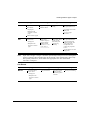
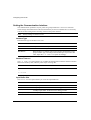
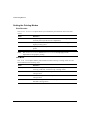
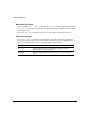
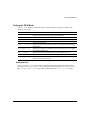
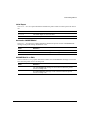
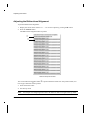
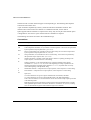
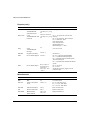
LCD Language
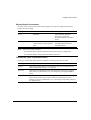
The printer display messages are available in five languages: English, German, Spanish, French
and Italian. In the INSTALLATION Function select the LANGUAGE Option to set the desired
language.
Value
Definition
English
English language.
Deutsch
German language.
Español
Spanish language.
Français
French language.
Italiano
Italian language.
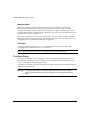
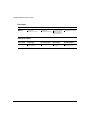
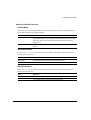
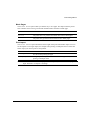
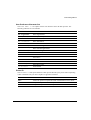
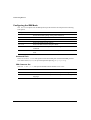
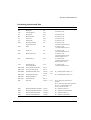
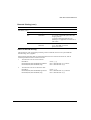
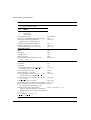
Error Buzzer
The ERROR BUZZER Option defines the buzzer behaviour in Fault state.
Value
Definition
1 beep
The buzzer beeps once.
3 beeps
The buzzer beeps three times.
Continuous beep
The buzzer beeps continuously, until the printer exits the Fault state.
No beep
The buzzer does not sound.
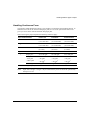
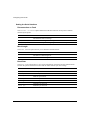
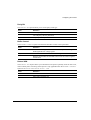
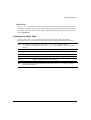
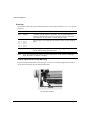
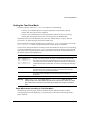
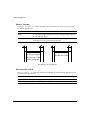
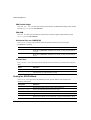
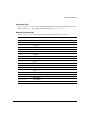
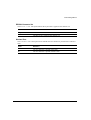
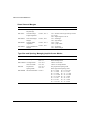
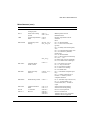
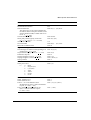
Paper Path at Power-On
The PATH AT POWER-ON Option allows you to decide which path you want to be selected,
when the printer is powered-on.
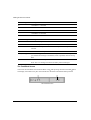
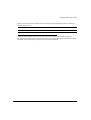
Value
Definition
Last sel. Path
The paper path at power-on is the one that was selected before the
printer was powered off.
From Macro
The path at power-on is the one from the current Macro.
6-17