1
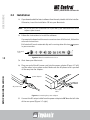
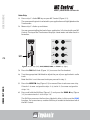
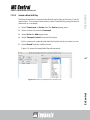
2. Double-click the Jog label.
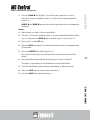
The Jog Wheel Command Editor dialog opens.
USER GUIDE
AUDIO | VIDEO MEDIA CONTROLLER
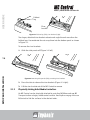
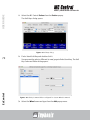
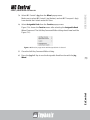
Figure 7-8 Jog Wheel command editor
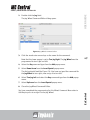
3. Click the + and enter arrow keys as the name for the command.
Note that the lower popup is set to Turn Jog Right. The Jog Wheel must be
programmed to turn right and left.
69
4. Select the Key command type from the Add popup menu.
5. Select Down Arrow from the Insert Special popup menu.
The dialog should look like Figure 7-8. You have assigned the command for
the Jog Wheel to turn right, now assign it to turn left.
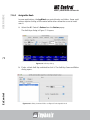
6. Select Turn Jog Left and select the Key command type from the Add popup
menu.
7. Select Up Arrow from the Insert Special popup menu.
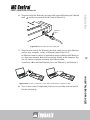
You have completed the programming for this Wheel Command. Now select a
Soft Key to press to assign it to the Jog Wheel.
EuControl
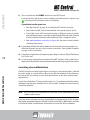
8. Close the Jog Wheel Command Editor.