1
Color Inkjet Printer JV33-130/160
4
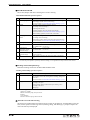
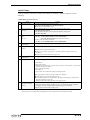
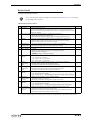
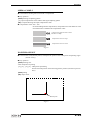
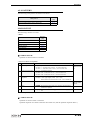
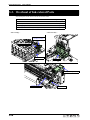
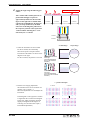
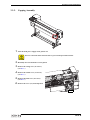
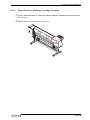
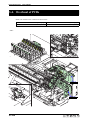
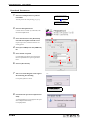
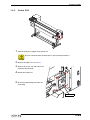
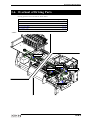
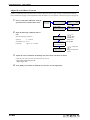
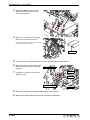
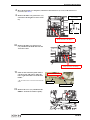
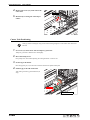
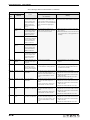
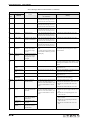
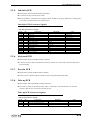
Remove the Y-axis motor cover (right
side: 2 screws, left side: 2 screws).
Manually move the head over the platen before
removing the left-side screws (x2).
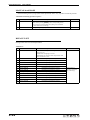
D-BKT cover
5
6
7
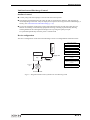
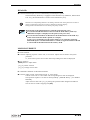
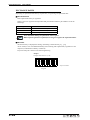
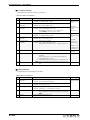
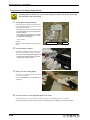
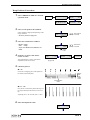
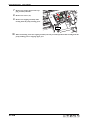
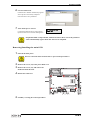
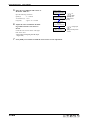
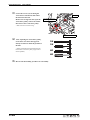
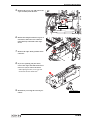
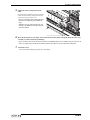
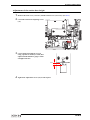
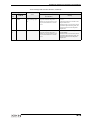
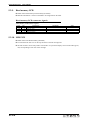
Remove the screws (x2) that hold the
washing cartridge assembly in place,
and slide the washing cartridge assembly towards the back.
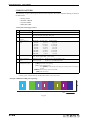
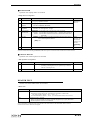
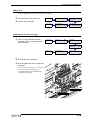
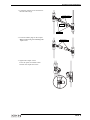
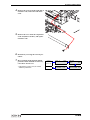
Remove the screw (x1) from the top of
the Y-axis drive pulley.
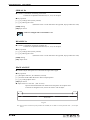
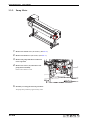
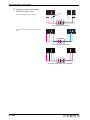
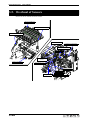
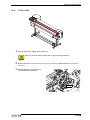
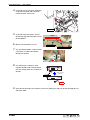
Loosen the screws (x2) from the Y-SP
plate on the left side of the main unit,
and release the tension on the Y-axis
drive belt.
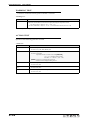
Y drive belt
3-36